
Invoicing

Invoice from the order, not from another spreadsheet.

Create sales, proforma, and commercial export invoices from order-linked line items, inventory selections, taxes, currencies, and export details.

Loupe Factory keeps billing tied to the same order, shipment, customer, and inventory context your team already uses. Snapshot fields preserve product descriptions, weights, pieces, prices, currencies, HS or HSN codes, taxes, and totals at the moment an invoice is created.

Sales, proforma, and export invoices Line-item snapshots PDFs and QuickBooks context

Order-linked invoicing
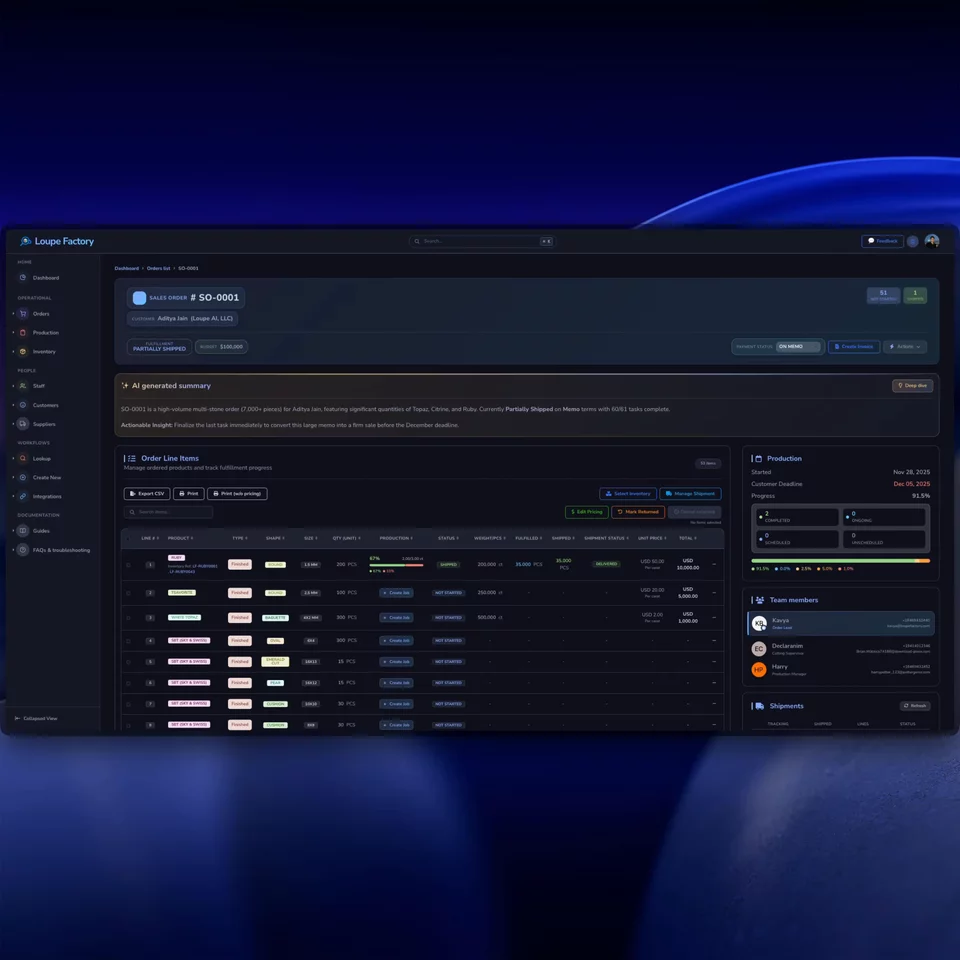
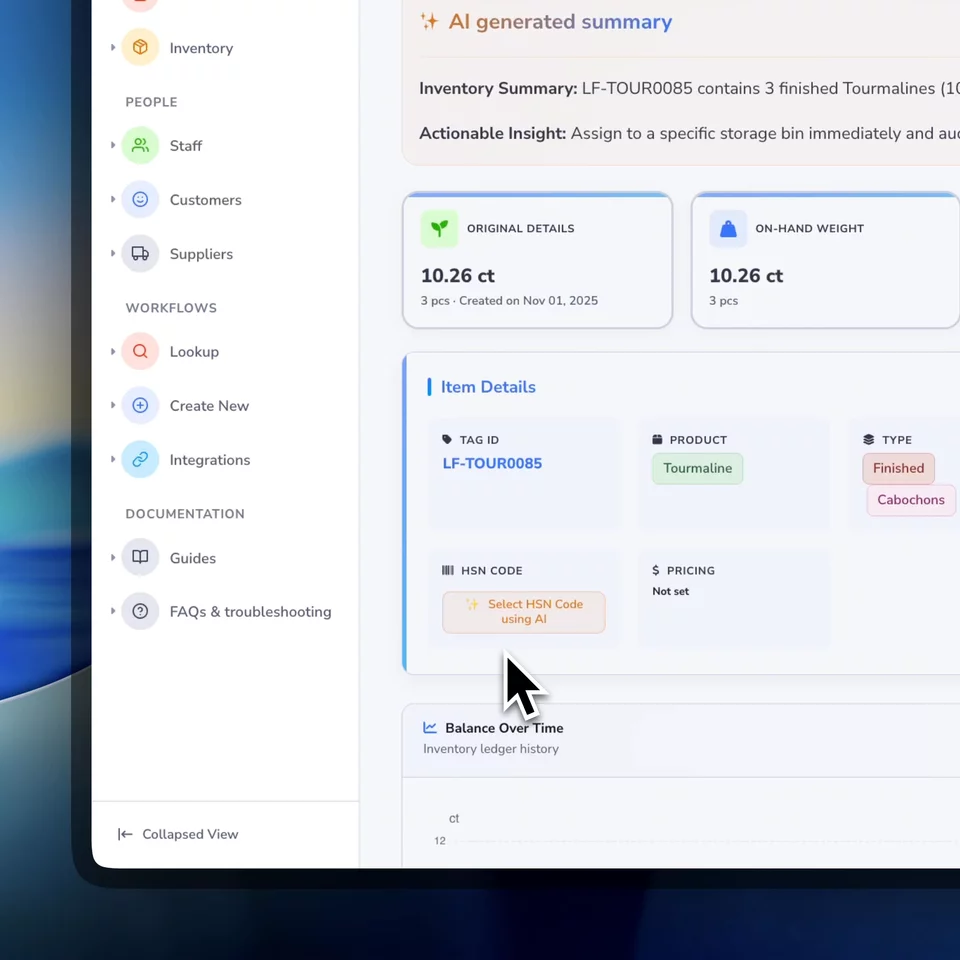
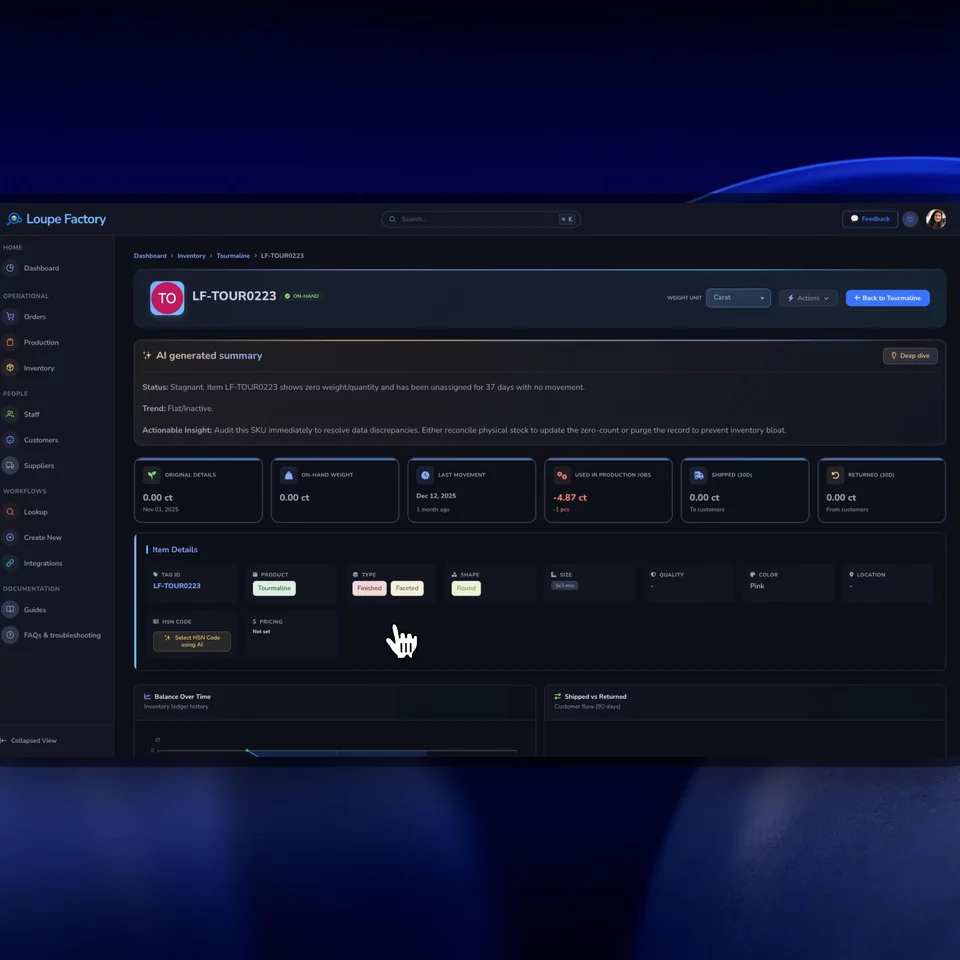
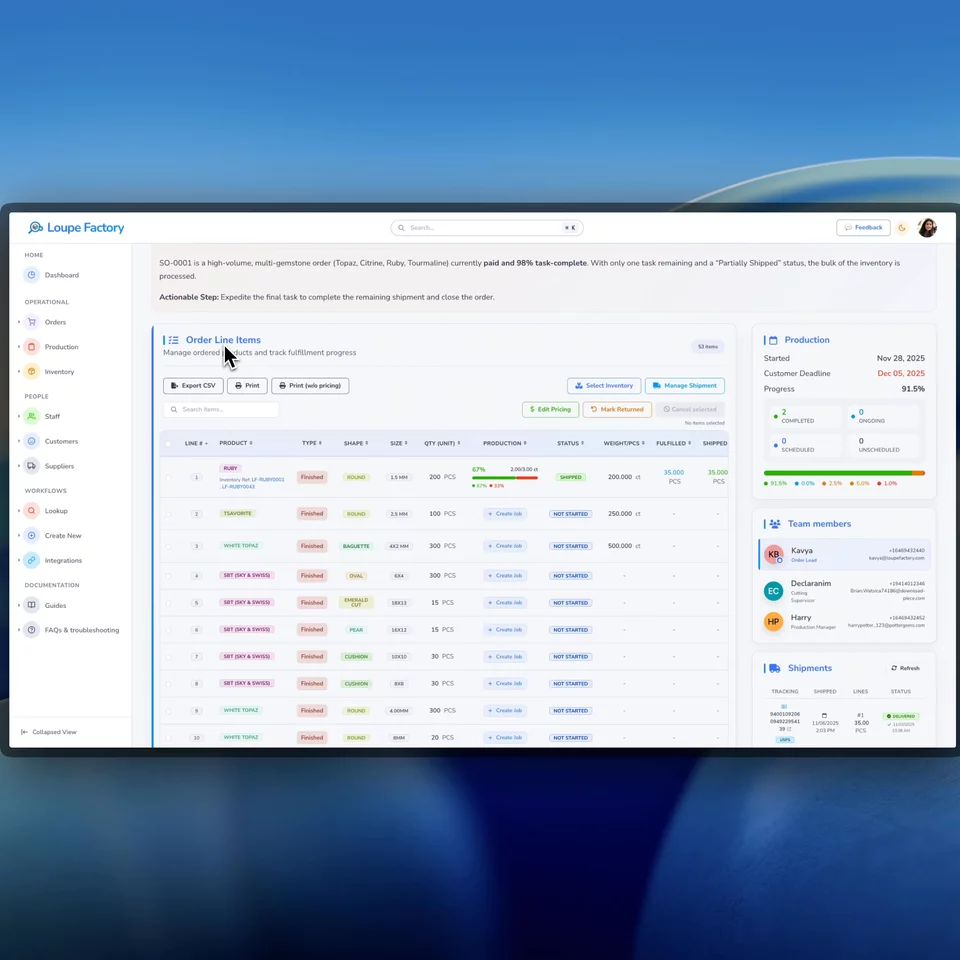
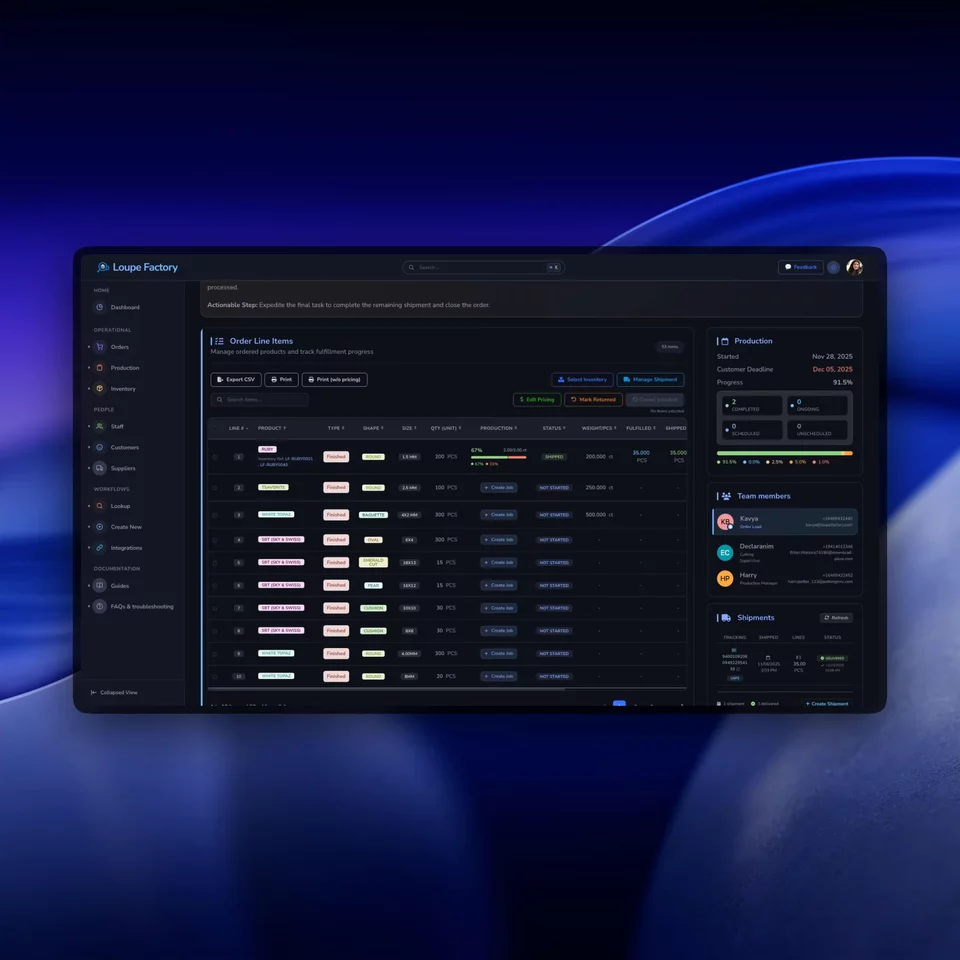
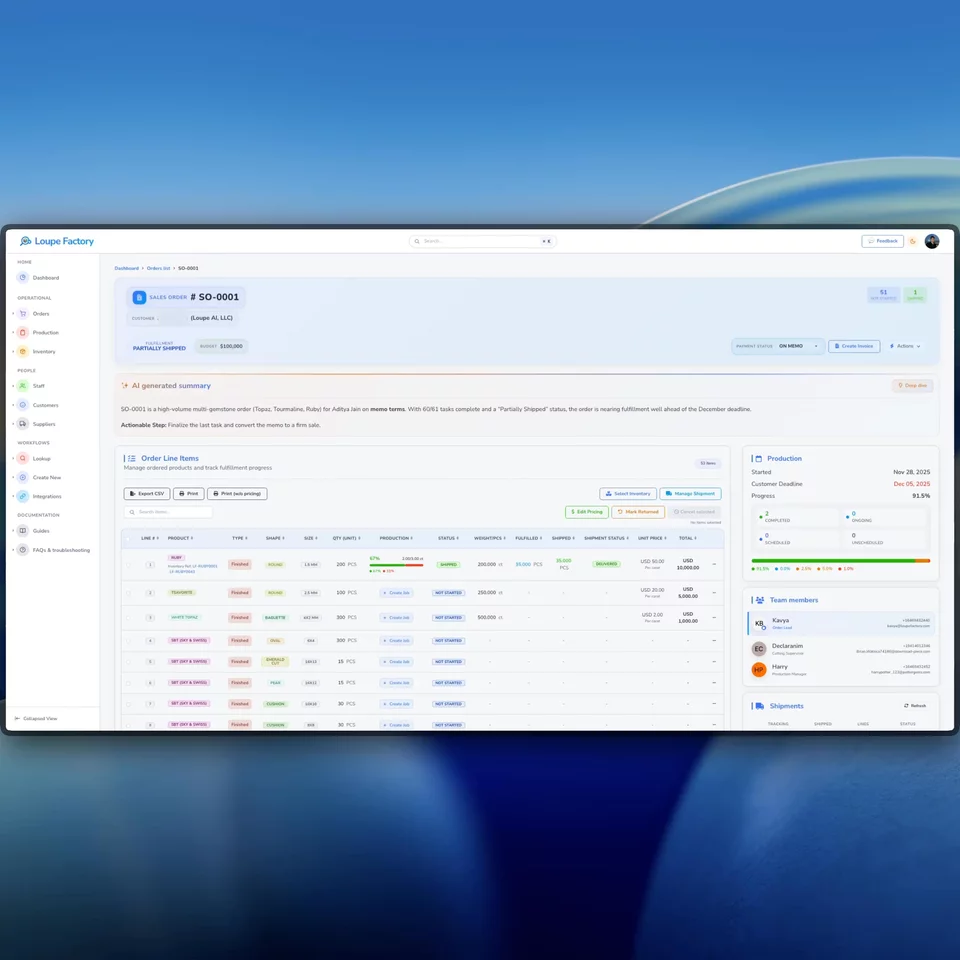
Loupe Factory invoicing screen in light mode. Loupe Factory invoicing screen in dark mode.
Create Generate invoices from order, customer, and line details.
Select Attach the exact inventory weight, pieces, and location context.
Issue Produce PDFs with tax, payment, banking, and export fields.

How it works

Billing stays accurate when it starts from the operational record.

Loupe Factory keeps invoice creation close to order, shipment, customer, inventory, tax, and export context so finance does not have to rebuild the commercial story after the work is done.

01

Start with the right invoice type

Create a sales invoice, proforma invoice, or commercial export invoice from the order record, then carry forward the customer, currency, billing address, and line-item context.

Sales invoices | Proforma invoices | Commercial export invoices

The finance team starts from what sales and operations already know.
02

Select lines, quantities, and inventory

Choose which order lines appear on the invoice, connect selected inventory where needed, and capture weight, pieces, product descriptions, price basis, currency, and HS or HSN code context.

Order lines | Inventory selection | Weights | Pieces

Invoices stay traceable to the goods being billed.

03

Add tax, banking, export, and accounting details

Add payment terms, bank details, tax registration information, Incoterms, ports, country of origin, and customs references where they apply. Generate a PDF and keep invoice data ready for connected accounting workflows.

PDFs | Tax details | Export details | QuickBooks Online

Finance gets a cleaner handoff without losing the link to operations.

Related workflows

See the order, code, and data context behind each invoice.

These videos show the surrounding workflows that make invoicing easier to trust: clean order context, reviewed HS or HSN code suggestions, and structured data handoffs for finance.

Order-to-invoice context

Order context

Turn fulfilled work into billing without losing the line-item trail.

Invoicing works best when the document starts from the order record. Loupe Factory keeps sales, fulfillment, inventory, shipment, and billing context connected so the invoice does not become a disconnected finance artifact.

  • Use order lines as the starting point for invoice lines.
  • Keep partial fulfillment, shipment, and inventory context visible.
  • Reduce re-entry between operations and finance.
HS and HSN lookup

Code support

Research possible HS and HSN codes before export paperwork is finalized.

Loupe Factory can use product and destination context to suggest tariff codes for review. The final classification decision should still stay with your responsible trade, compliance, or finance team.

  • Carry HS or HSN code context into invoice line snapshots.
  • Speed up research for repeat product families and markets.
  • Keep human review in the workflow before shipment.
Structured data handoff

Finance handoff

Keep invoice records usable after the PDF is generated.

The invoice PDF matters, but so does the structured data behind it. Loupe Factory keeps invoice, customer, item, payment, currency, and status context available for reporting and connected accounting workflows.

  • Generate customer-ready PDF documents from the invoice record.
  • Keep totals, taxes, shipping, and payment status structured.
  • Align invoice, customer, payment, and item data with QuickBooks Online when connected.

Built for global B2B billing

The invoice has to satisfy customers, finance, and export documentation.

B2B invoices carry more than a total. They need line details, payment terms, tax context, currency, product codes, banking information, export references, and a defensible link back to the order.

  • Sales, commercial export, and proforma invoice types

    Support common billing workflows for domestic sales, international shipments, advance quotations, and order-linked commercial documents.

  • Line-item snapshots preserve invoice history

    Keep product descriptions, shape, size, weight, pieces, price basis, currency, HS or HSN codes, subtotals, taxes, and totals attached to the invoice as created.

  • Inventory selection keeps billing tied to goods

    Select the stock behind an invoice line, capture weight and pieces, and optionally move the order line toward ready status when billing and fulfillment are aligned.

  • Tax, payment, banking, and export fields

    Capture tax regimes, buyer and seller tax IDs, payment terms, bank account details, Incoterms, ports, country of origin, customs references, and local compliance fields where applicable.

  • Professional PDF output

    Generate customer-ready PDF documents that finance, sales, and export teams can share without formatting spreadsheets by hand.

  • QuickBooks Online sync context

    When the integration is connected, customers, invoices, payments, and inventory items can stay aligned with QuickBooks Online through the connected sync layer.

FAQ

Questions finance and operations teams ask before switching.

Good invoicing should reduce re-entry, preserve history, and keep billing connected to the real order, inventory, and shipment context.

Yes. Loupe Factory supports multiple invoices for one order, such as a proforma invoice before fulfillment, a sales invoice for domestic billing, or a commercial export invoice for an international shipment.

Invoice line items store snapshot fields for product description, product type, shape, size, HS or HSN code, unit price, price basis, currency, line subtotal, tax, and total. That helps preserve the invoice history even if catalog or operational records change later.

Yes. Loupe Factory supports commercial export and proforma invoice workflows, including Incoterms, country of origin, ports, shipment references, India-specific export fields, and line-level code context such as HS or HSN codes. Your team should still review final export details before shipment.

When QuickBooks Online is connected, Loupe Factory can push or pull customers, invoices, payments, and inventory items through the accounting integration. Sync behavior depends on your connected integration settings and review workflow.

Billing accuracy

Turn fulfilled orders into invoices your finance team can trust.

Use Loupe Factory to keep billing tied to order lines, inventory selections, tax and export details, PDF output, and connected accounting workflows.

Order-linked invoices Sales, proforma, and export workflows Snapshot history

Supercharge your business

With Artificial Intelligence ✨

Get started with Loupe Factory

Cookies & Privacy

We use non-essential cookies (like analytics) to improve your experience. In your region, consent is required. You can change your choice anytime in Privacy Choices. Learn more.

You can update your cookie choices. Manage cookies