
Inventory Management

Inventory control your team can trust before they promise stock.

Track on-hand stock, weights, pieces, tags, locations, racks, WIP, and finished goods from one operating record.

Loupe Factory helps global B2B wholesalers and manufacturers answer four practical questions quickly: what do we have, where is it, why did it move, and what can we confidently sell, ship, or issue to production next?

Tags, QR codes, and barcodes Weights, pieces, units, and locations Orders and production connected

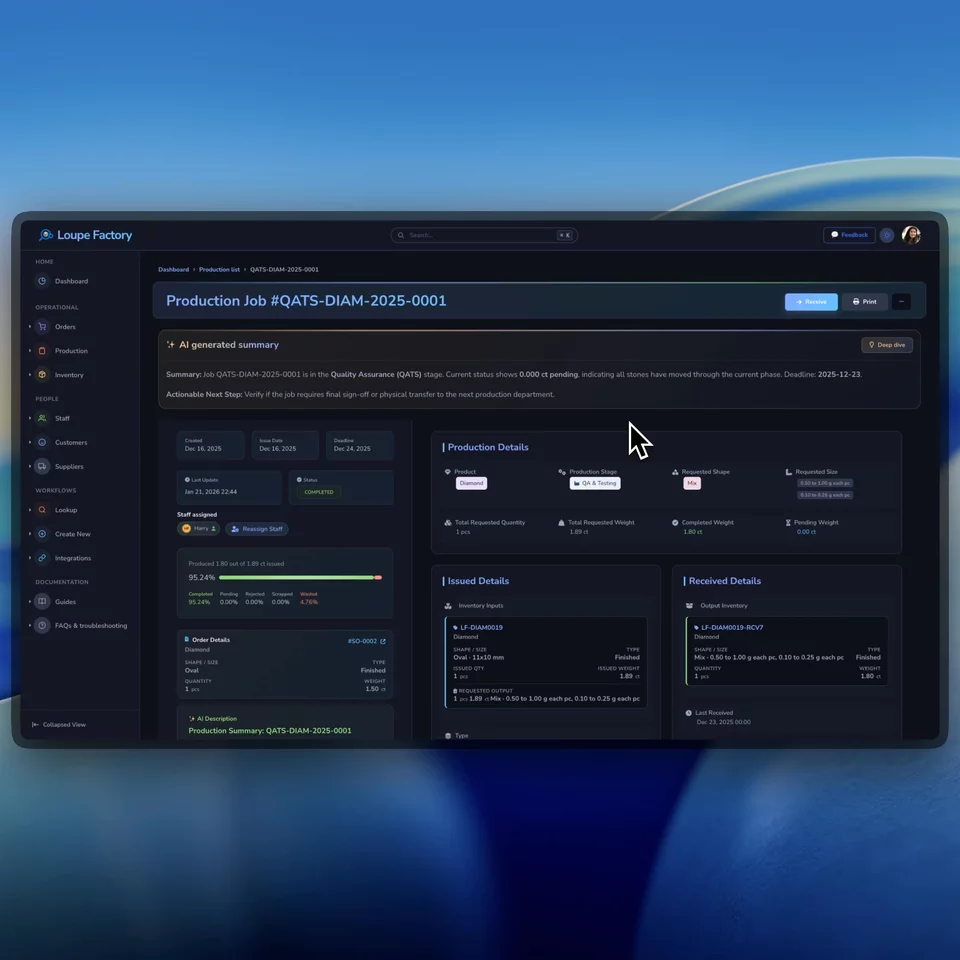
Inventory operating record
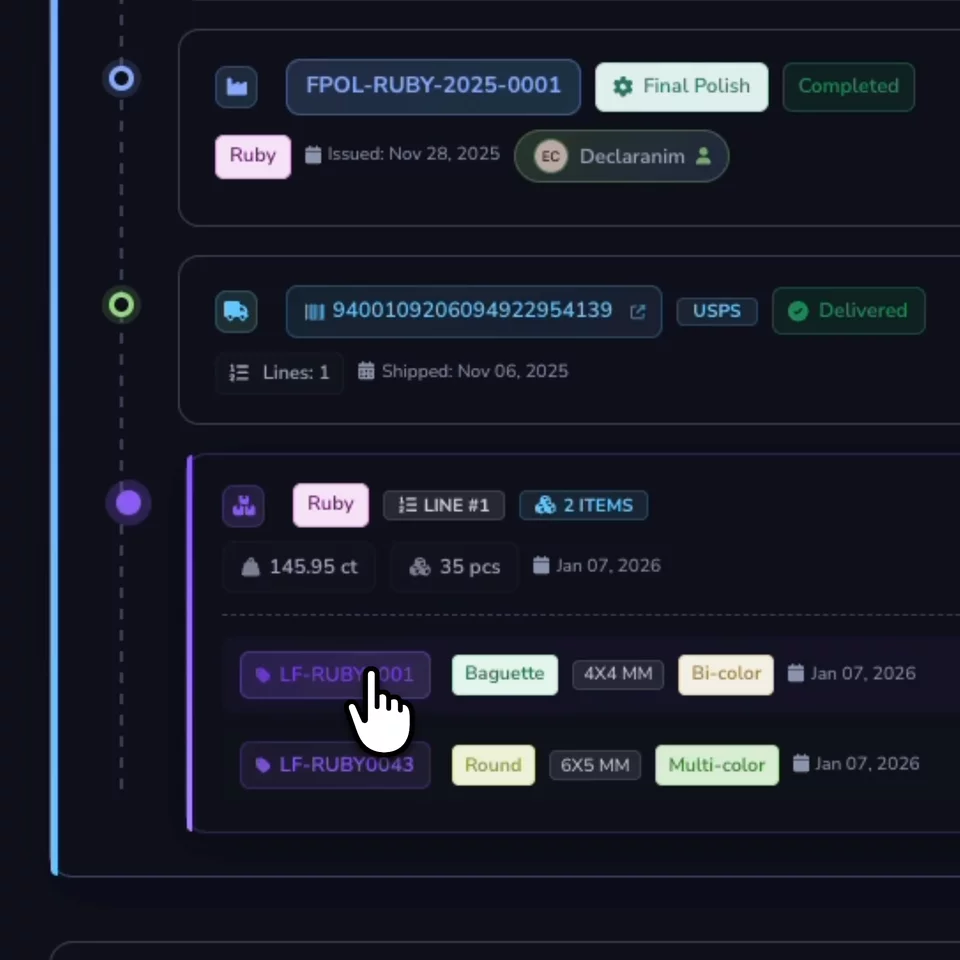
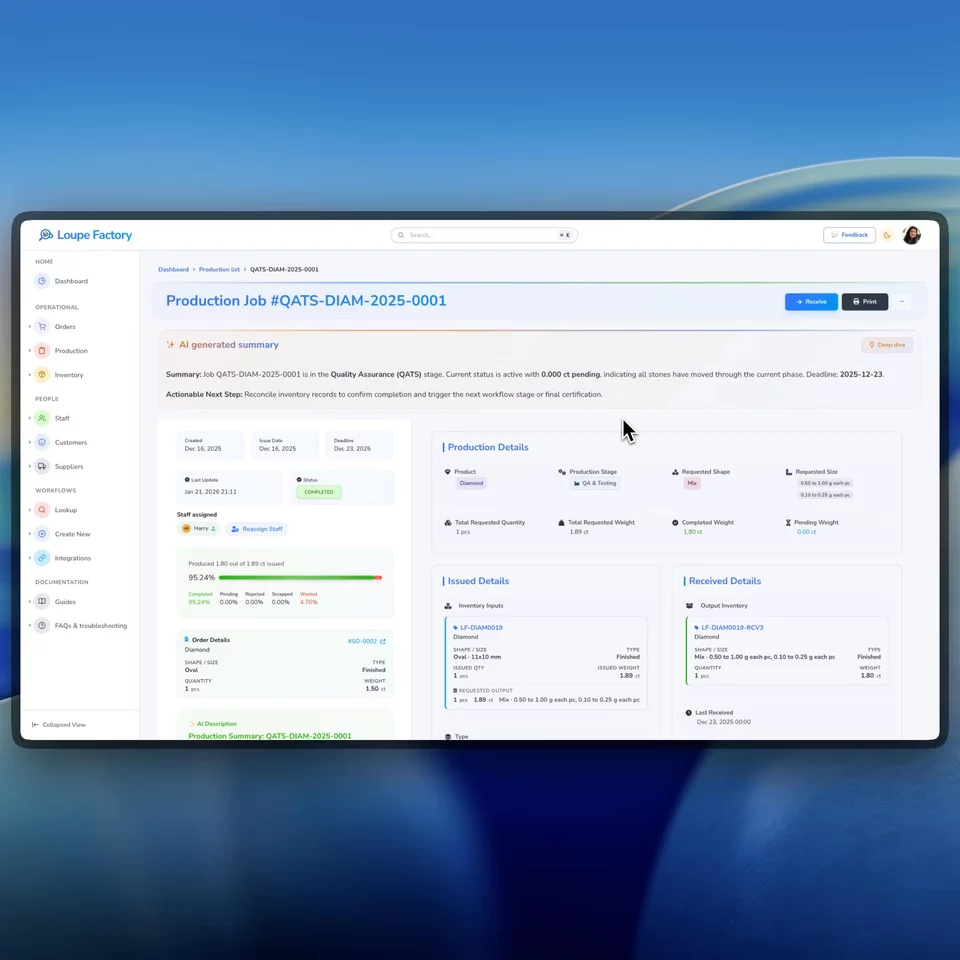
Loupe Factory inventory tracking screen in light mode. Loupe Factory inventory tracking screen in dark mode.
Identified Find stock by tag, product, type, attribute, location, or rack.
Measured Record quantity, weight, unit, price basis, and currency.
Connected Link stock movement to production, shipments, returns, and invoices.

How it works

Inventory stays useful when every quantity has a reason behind it.

Loupe Factory treats inventory as an operational record, not a static count. Stock is easier to trust because item details, movement, and downstream workflows stay connected.

01

Create a complete item record once

Capture product, inventory type, finished type or material type, quantity, weight, unit, quality, color, shape, size, image, price basis, currency, HS/HSN code, notes, location, and rack.

Items | Tags | Attributes | Locations

Sales, warehouse, finance, and production start from the same description of the item.
02

Let real workflows change inventory

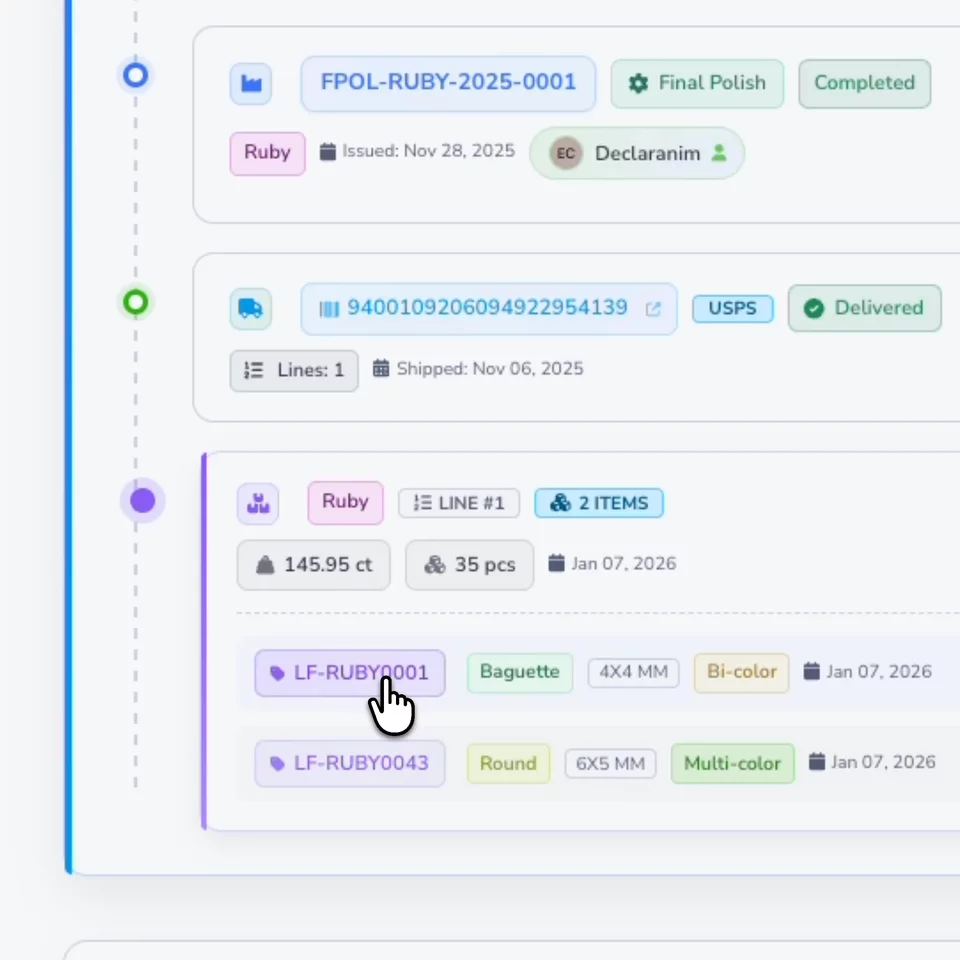
Use production jobs to issue source inventory and receive finished output, scrap, waste, or rejected material. Use shipment and return workflows to move stock without updating a separate spreadsheet.

Production issue | Receipts | Shipments | Returns

The inventory view reflects the work that changed the stock, not just a manual adjustment.

03

Trace what happened before the next commitment

Review item details, movement context, source inventory, production jobs, output, shipments, and returns so teams can answer customer and internal questions without rebuilding history.

Traceability | Search | Reports

Useful when a customer asks what shipped, where it came from, or what is still available.

Product walkthroughs

See the inventory controls that reduce daily guesswork.

These are practical workflows your team can use during receiving, warehouse lookup, production handoff, and management review.

QR and barcode labels

Find items faster

Give each item a tag that the warehouse can actually use.

Generate QR codes and barcodes from inventory tags so teams can identify stock, open the item record, and reduce the risk of picking a similar item from the wrong shelf or rack.

  • Automatic inventory tag IDs with optional manual edits.
  • QR and barcode tag images for physical labels.
  • Item lookup tied back to the full inventory record.
AI-assisted inventory import

Move data in cleanly

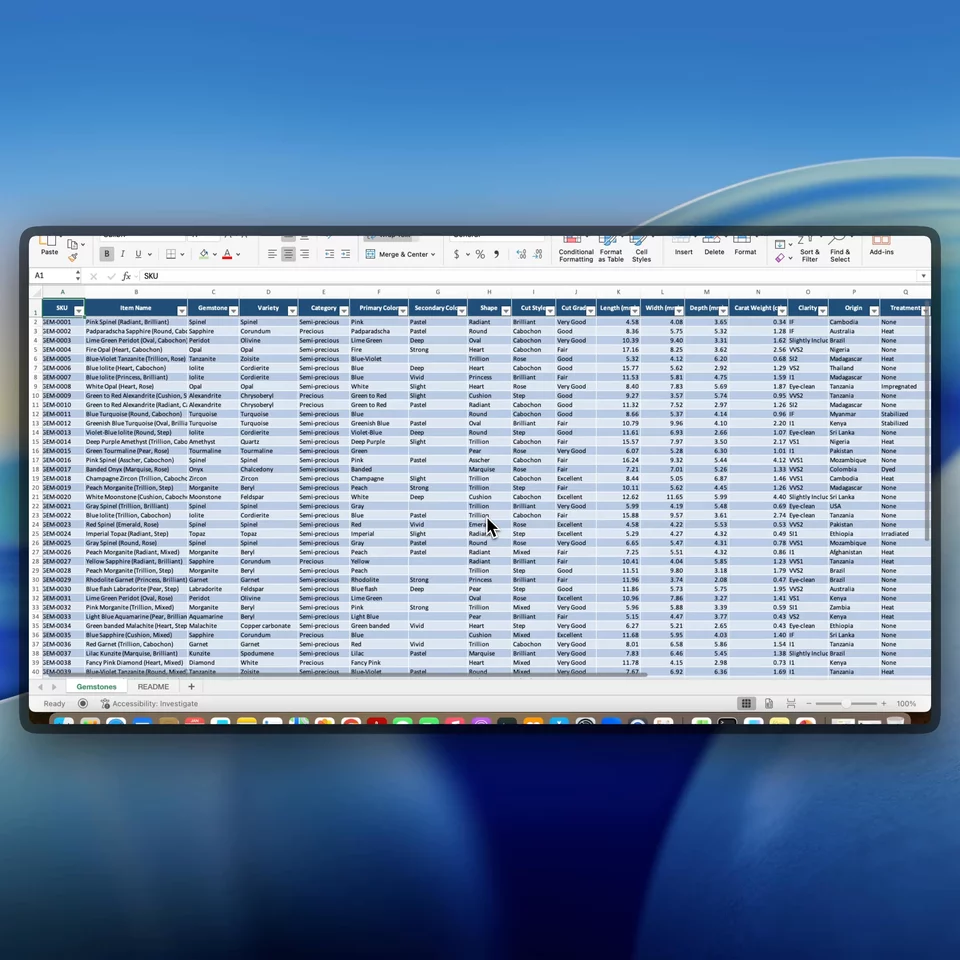
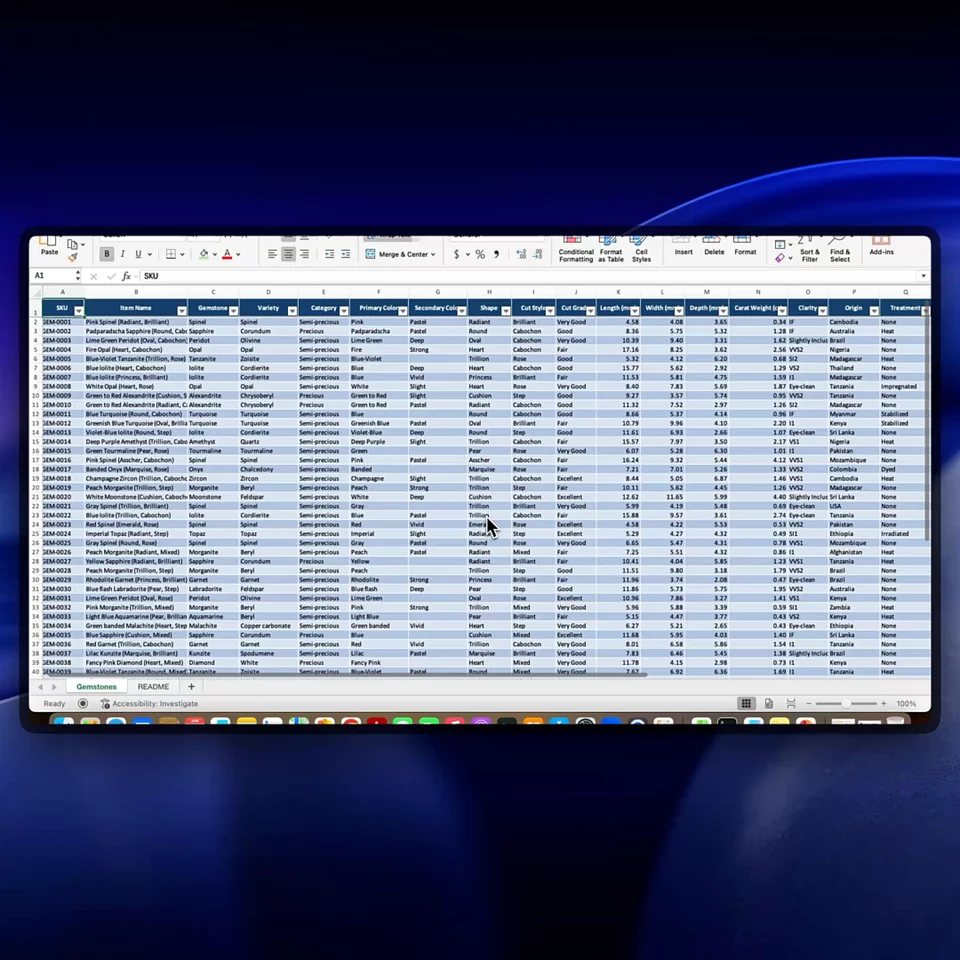
Import supplier or legacy inventory files without hand-keying every row.

Loupe Factory can help parse CSV inventory files, map fields to inventory columns, preview the results, surface row errors, and then import the cleaned records after review.

  • Preview before committing records to inventory.
  • Map fields such as product, type, weight, quantity, unit, location, quality, color, and notes.
  • Use auto-merge when matching stock should accumulate instead of creating duplicate records.
Operational analytics

Manage stock decisions

Turn inventory records into clearer purchasing, sales, and production conversations.

Use inventory reports and operational analytics to review valuation, turnover, dead stock, demand, and production outcomes without exporting every question to another workbook.

  • Monitor what is moving, aging, or sitting idle.
  • Review inventory value by product, type, and location.
  • Connect stock decisions with order demand and production reality.

Built for operational stock

The item details B2B teams cannot afford to lose.

Wholesalers and manufacturers often track the same item through purchasing, storage, production, sales, shipment, return, and finance. Loupe Factory keeps those details close to the stock record so handoffs are easier to trust.

  • Finished goods, raw materials, supplies, and WIP in one inventory system

    Track different stock categories without forcing sales, warehouse, and production into separate spreadsheets.

  • Weights, pieces, units, price basis, and currency

    Record items in the terms your operation uses, including weight units, piece counts, unit pricing, lot pricing, and item currency.

  • Locations and racks for multi-site teams

    Keep stock tied to warehouses, production facilities, showrooms, racks, or bins so lookup does not depend on memory.

  • Search by the attributes people actually ask for

    Find inventory by product, type, tag, location, rack, shape, size, color, quality, and other practical fields.

  • HS/HSN codes and item context for cross-border work

    Keep customs codes, notes, images, prices, and inventory context attached to the item so export and invoice workflows start from better data.

  • Order and production updates reflected in stock

    Material issues, output receipts, shipments, returns, and edits update inventory through the workflow that caused the change.

FAQ

Questions inventory teams ask before leaving spreadsheets.

The goal is not to add another database. It is to make the inventory record reliable enough for daily promises, planning, and handoffs.

Yes. Inventory can be assigned to locations and racks or bins. Locations can represent warehouses, production facilities, offices, or showrooms, so global teams can separate stock by site while keeping it in one system.

Yes. Loupe Factory supports quantity and weight on inventory records, including configurable weight units. This is useful for businesses that sell by piece, weight, lot, or a mix of all three.

Yes. Production jobs can issue source inventory and receive finished output, waste, scrap, or rejected material. Shipment and return workflows can also update inventory so the item record reflects operational movement.

Yes. Loupe Factory supports CSV inventory imports with preview and validation. AI-assisted parsing can help normalize messy files, but your team still reviews the preview before records are created.

Inventory control

Make inventory the record your team actually uses.

Give sales, warehouse, production, and finance one inventory view that explains what exists, where it sits, how it changed, and what can happen next.

Item tags and searchable records Production and shipment movement Reports for stock decisions

Supercharge your business

With Artificial Intelligence ✨

Get started with Loupe Factory

Cookies & Privacy

We use non-essential cookies (like analytics) to improve your experience. In your region, consent is required. You can change your choice anytime in Privacy Choices. Learn more.

You can update your cookie choices. Manage cookies