Loupe Factory for Auto Parts

One operating system for auto parts production and wholesale.

Track metal and alloy stock, castings, machined components, engine parts, fasteners, WIP, finished parts, orders, shipments, invoices, Shopify, and QuickBooks Online without rebuilding the same facts in spreadsheets.

Built for auto parts manufacturers, machine shops, engine builders, wholesalers, and exporters serving OEM and aftermarket B2B buyers across locations.

Control material and WIP movement Track engine builds and part kits Scan QR and barcode tags Ship and invoice from the same order

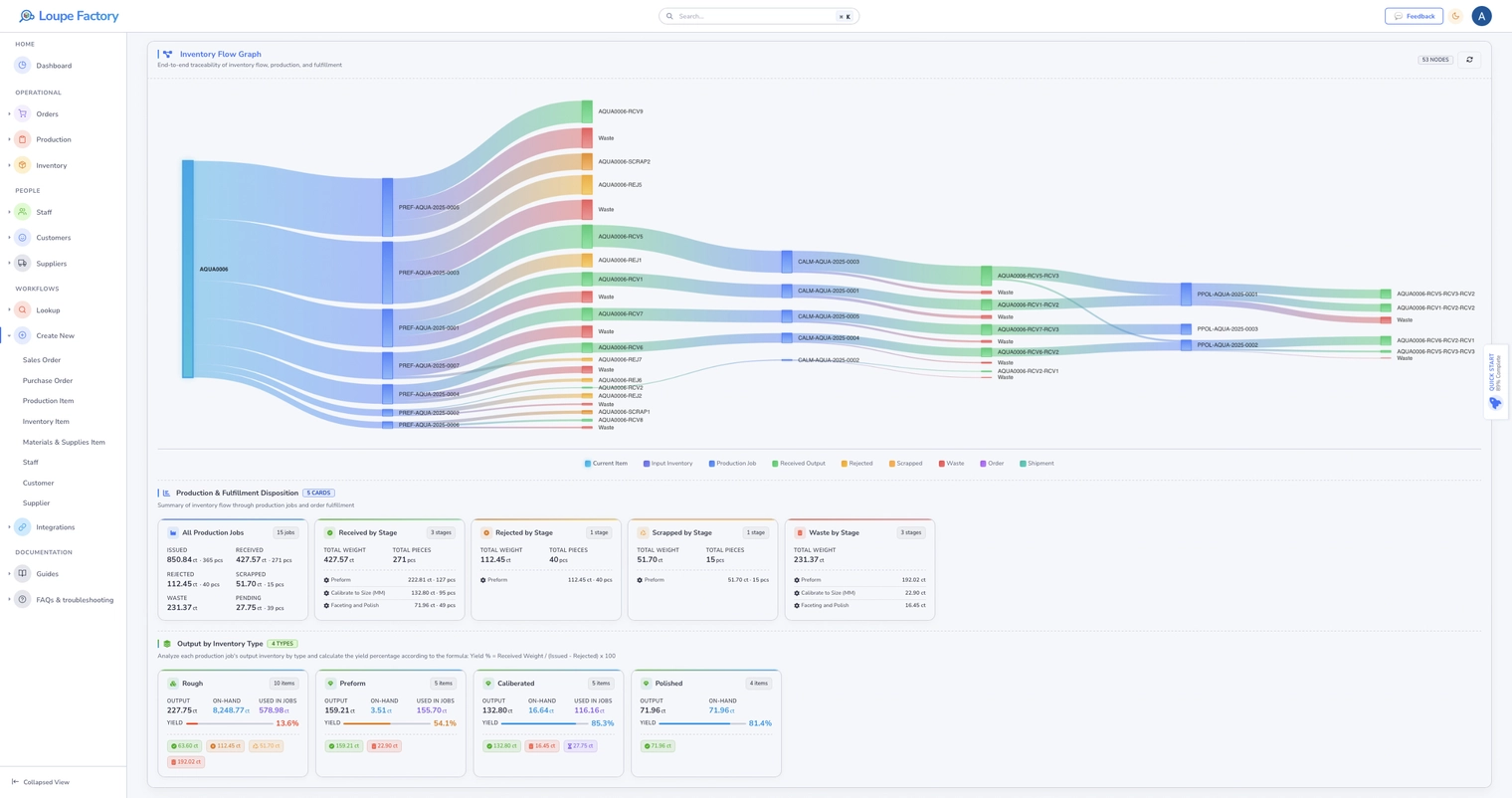
Live parts inventory flow
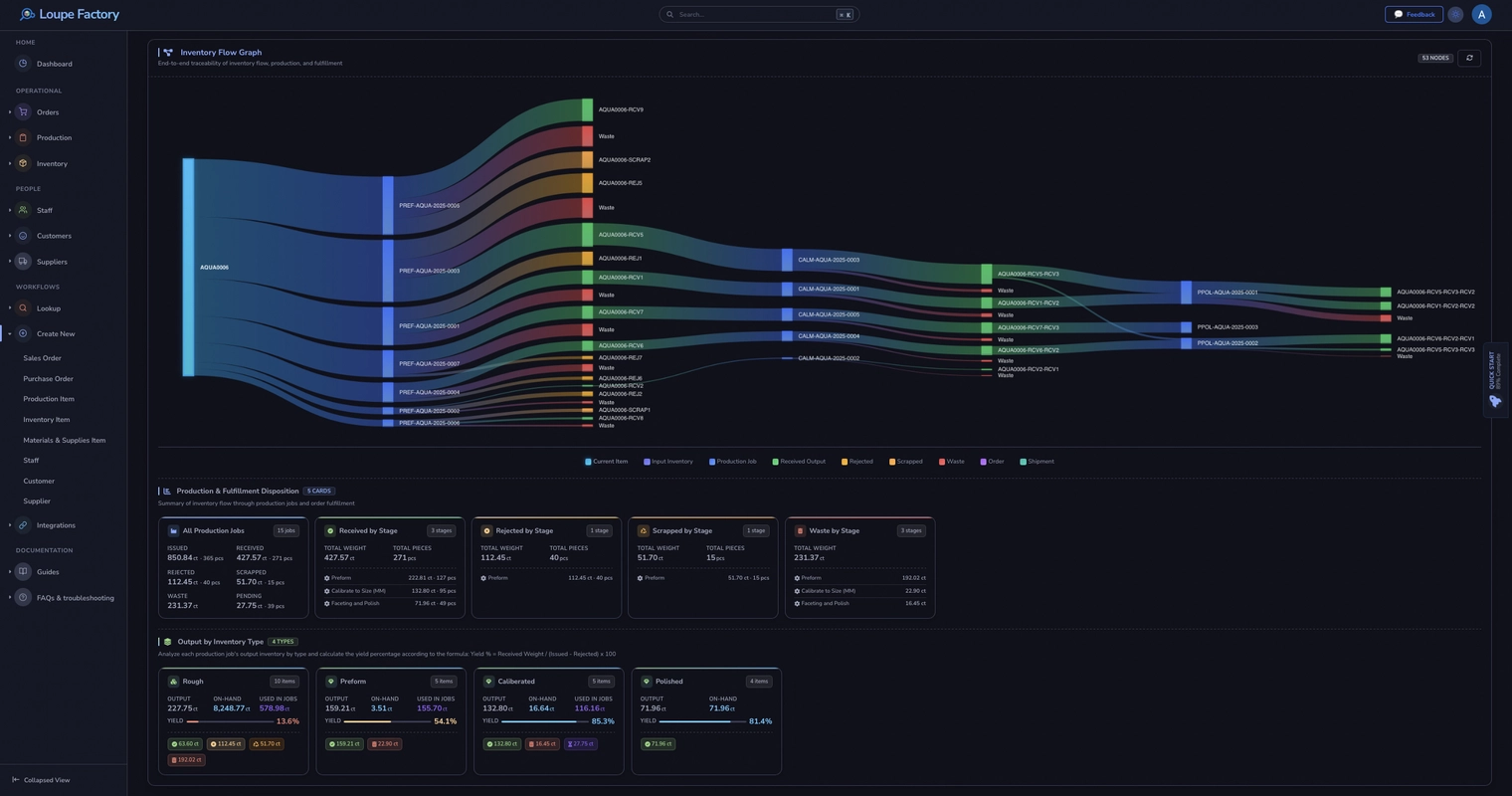
Loupe Factory inventory flow graph showing auto parts materials moving into production, finished goods, shipments, and waste. Loupe Factory inventory flow graph showing auto parts materials moving into production, finished goods, shipments, and waste in dark mode.

Follow metal and alloy stock into machining, fabrication, assembly, testing, and final QA, then into finished parts, shipments, and waste, from one live view.

How it works

From buyer request to packed parts, every handoff stays connected.

Loupe Factory keeps sales, production, warehouse, shipping, and finance working from the same operational record, so teams know what was ordered, what is being made, what is ready, and what already shipped.

01

Capture OEM, aftermarket, and racing demand once

Create quotes and sales orders for braking parts, suspension components, engine builds, repair kits, or custom racing work. Bring ecommerce demand through Shopify when online orders need to enter the same back-office flow.

Quotes | Sales orders | Shopify demand

One clean demand record feeds production, picking, invoicing, and delivery.
02

Plan materials, BOMs, and job work

Reserve metal, alloy stock, castings, fasteners, gaskets and seals, and shop consumables against real work. Keep machining, dyno and test, coating, subcontract, and core-exchange costs tied to each production job.

BOMs | Reservations | Cost components

Teams can see what is planned, issued, consumed, pending, and available.

03

Track production across auto parts stages

Move work through machining, fabrication, assembly, wiring and electronics, coating, dyno and test, final QA, and packing while keeping WIP and rework visible.

Machining | Assembly | Testing | QC

Production leaders can find blockers before a delivery date slips.

04

Pick, pack, ship, and invoice cleanly

Use shipment tracking, commercial invoices, proforma invoices, taxes, currencies, customer records, line-item product images, and QuickBooks Online sync to keep dispatch and finance aligned with the same finished parts and order status.

Shipments | Invoicing | QuickBooks Online

Customers get clearer updates, and accounting does less reconstruction later.

Built for Auto Parts Complexity

The controls auto parts teams need when demand, materials, and locations keep changing.

Auto parts operations carry wide product ranges, mixed units, engineering variants, long lead times, subcontract machining, rework, partial shipments, and OEM-specific commitments. Loupe Factory keeps those details connected instead of leaving each department to maintain its own spreadsheet.

Track materials, WIP, and finished parts together

Keep metal, alloy stock, castings, engine components, sub-assemblies, and finished parts in one inventory model.

Manage inventory across plants, warehouses, and dispatch locations

See where stock sits, transfer items between locations, and keep availability current for sales, purchasing, and fulfillment.

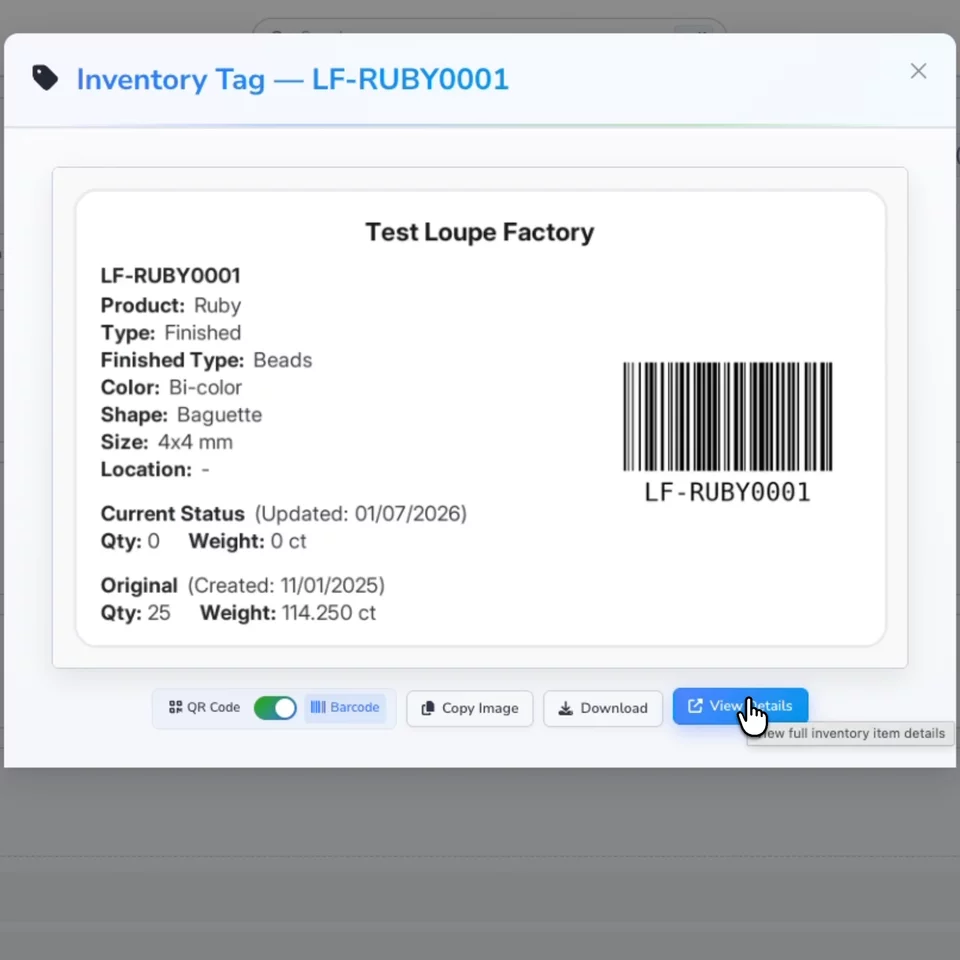
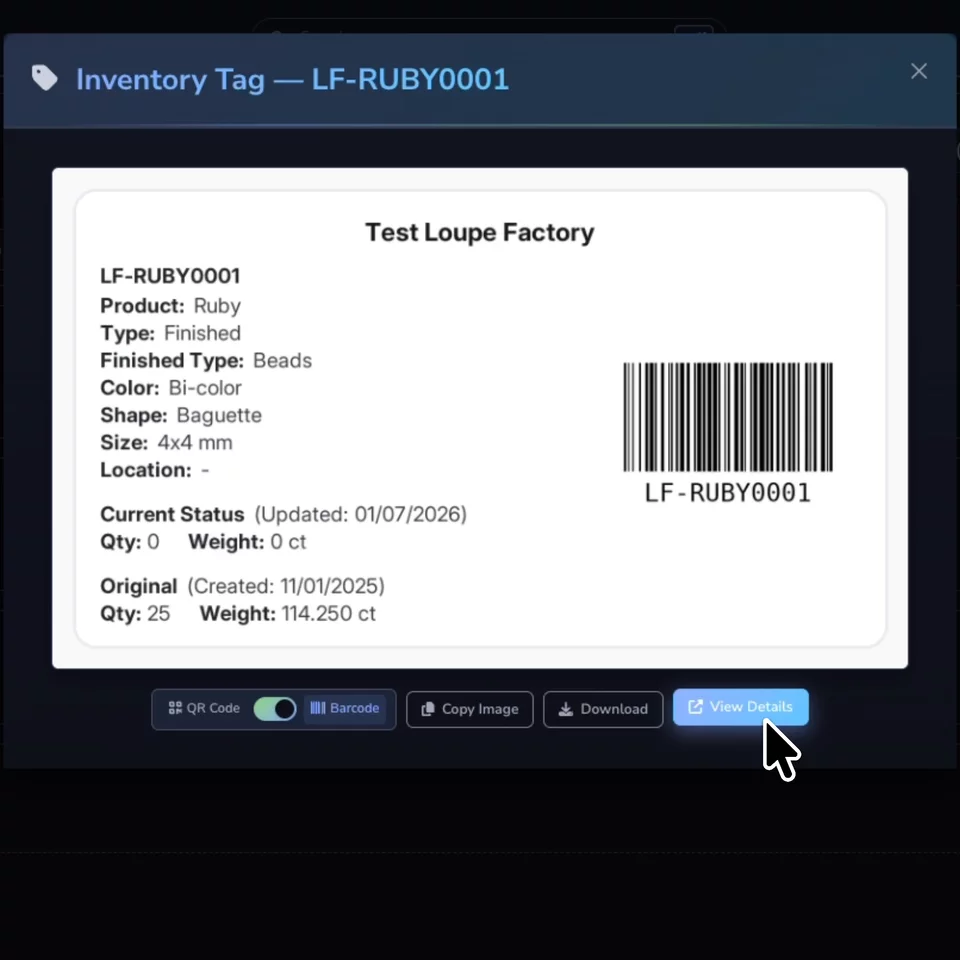
Use QR codes and barcodes for faster receiving, picking, and traceability

Print item-level tags so warehouse and production teams can scan bins, kits, and finished parts instead of typing record IDs by hand.

Give each team role-based access to the right screens and data

Sales, production, warehouse, finance, and management can work in the same system without exposing every price, customer, or admin setting to every user.

Control part numbers, variants, BOMs, and costing inputs

Record specifications, machining operations, dyno and test time, coating, subcontract work, core-exchange charges, and other cost components where operational decisions happen.

Track shipments and delivery events against the order

Shipping integrations help teams create shipments, watch delivery progress, and keep customers informed without separating dispatch from the sales order.

Create invoices from orders with taxes, currencies, and product images

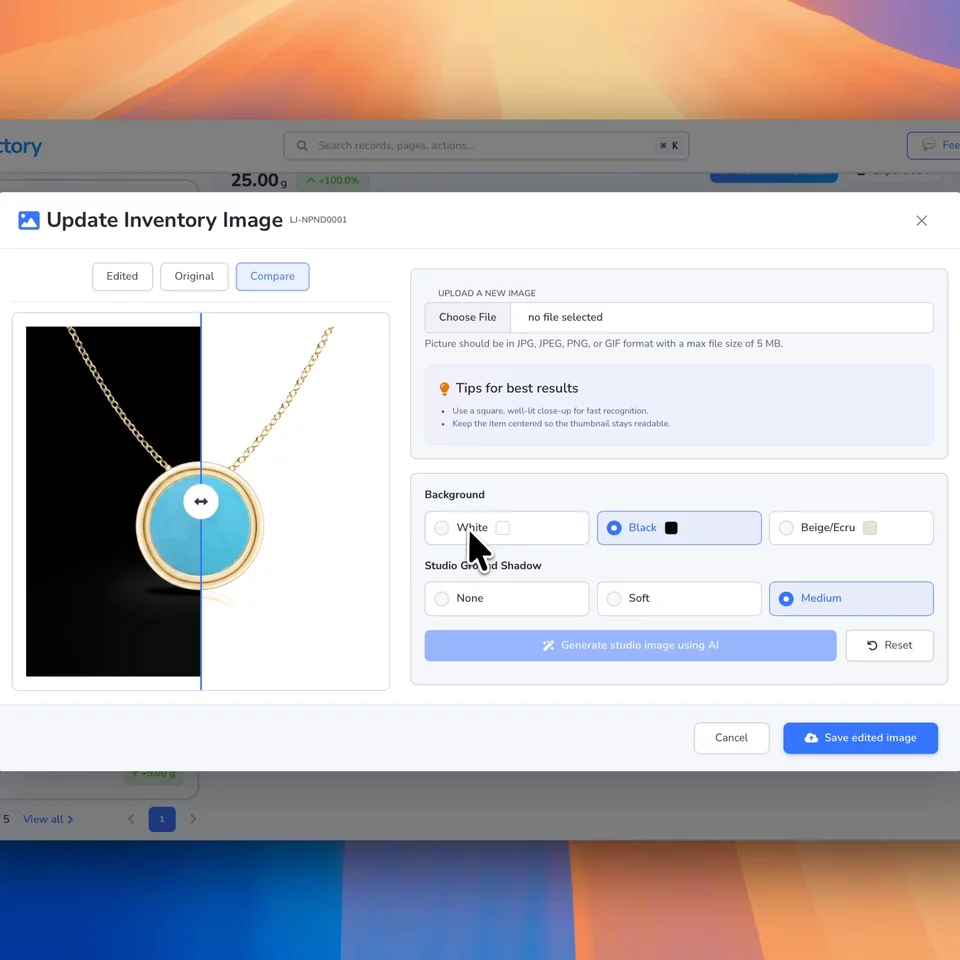
Include order line item images on invoice rows so buyers can confirm the exact part, kit, or variant being billed.

Use AI for order capture, imports, summaries, and product image polish

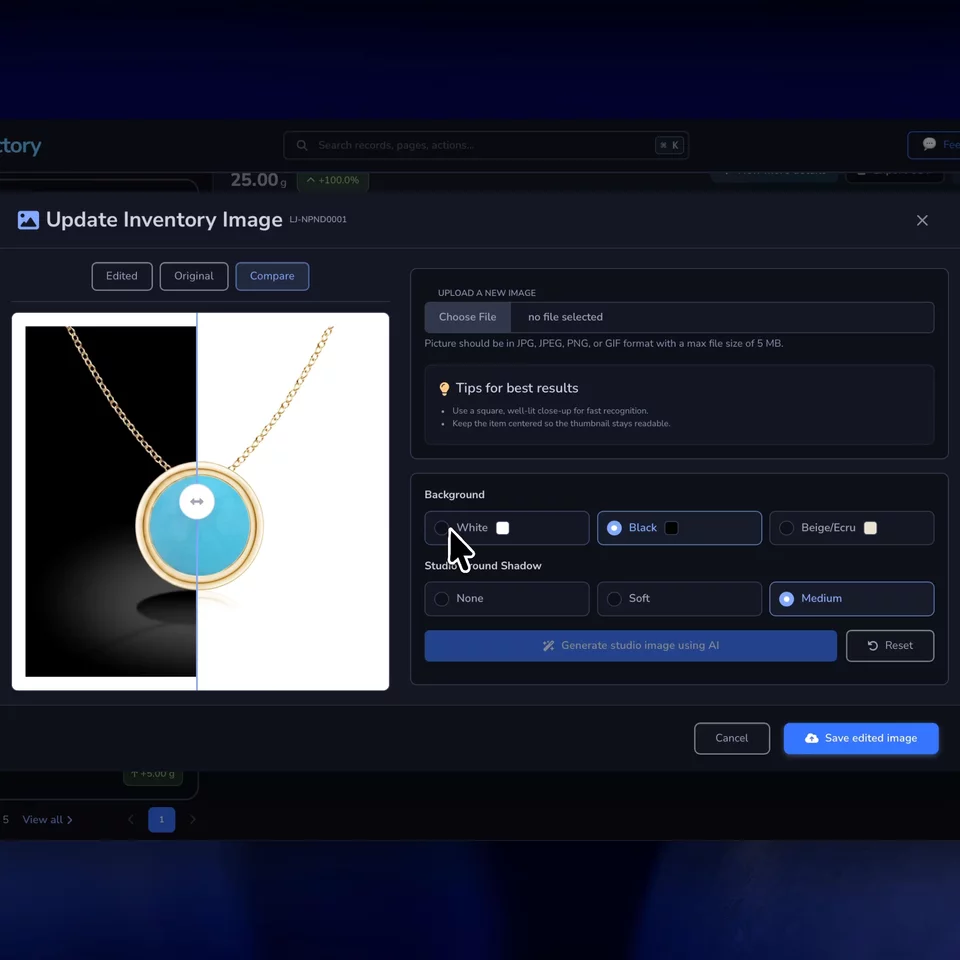
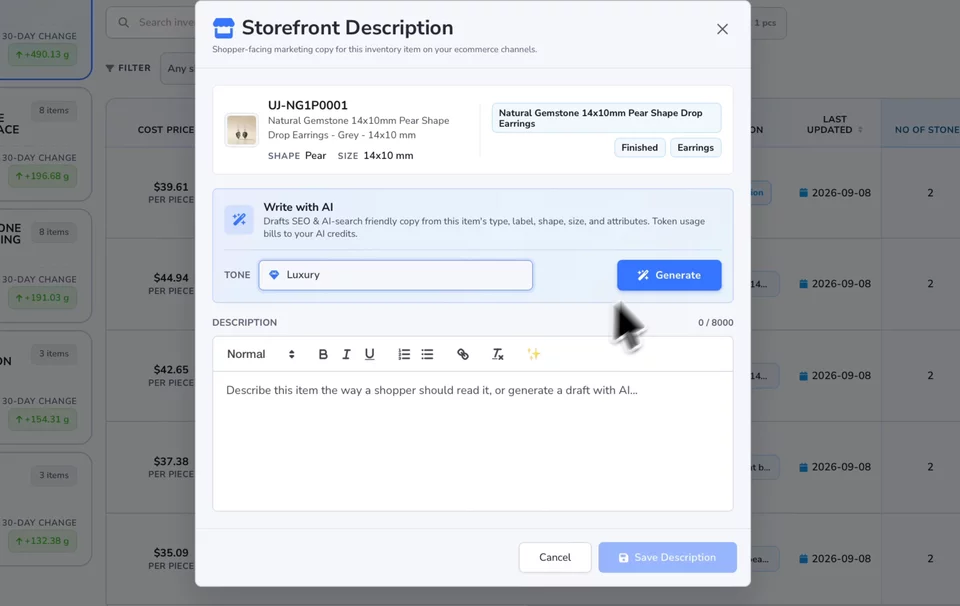
Turn customer emails into structured orders, import spreadsheets with cleaner mapping, summarize operations, and prepare cleaner product visuals for catalogues and buyer decks.

Warehouse and dispatch

Scan, ship, and update records without chasing the floor.

Auto parts teams need a practical way to identify bins, kits, sub-assemblies, and finished parts as they move across production, storage, packing, and delivery.

QR and Barcode Tracking

Give every item a scannable identity.

Scan tags at receiving, production issue, WIP movement, picking, packing, transfer, and dispatch so inventory updates happen when the work happens.

  • Reduce manual lookup for bins, kits, and component bundles.
  • Open the right inventory record from a printed QR or barcode tag.
  • Improve traceability across machine shops, warehouses, and packing areas.
Shipping Integrations

Keep dispatch visible after the truck leaves.

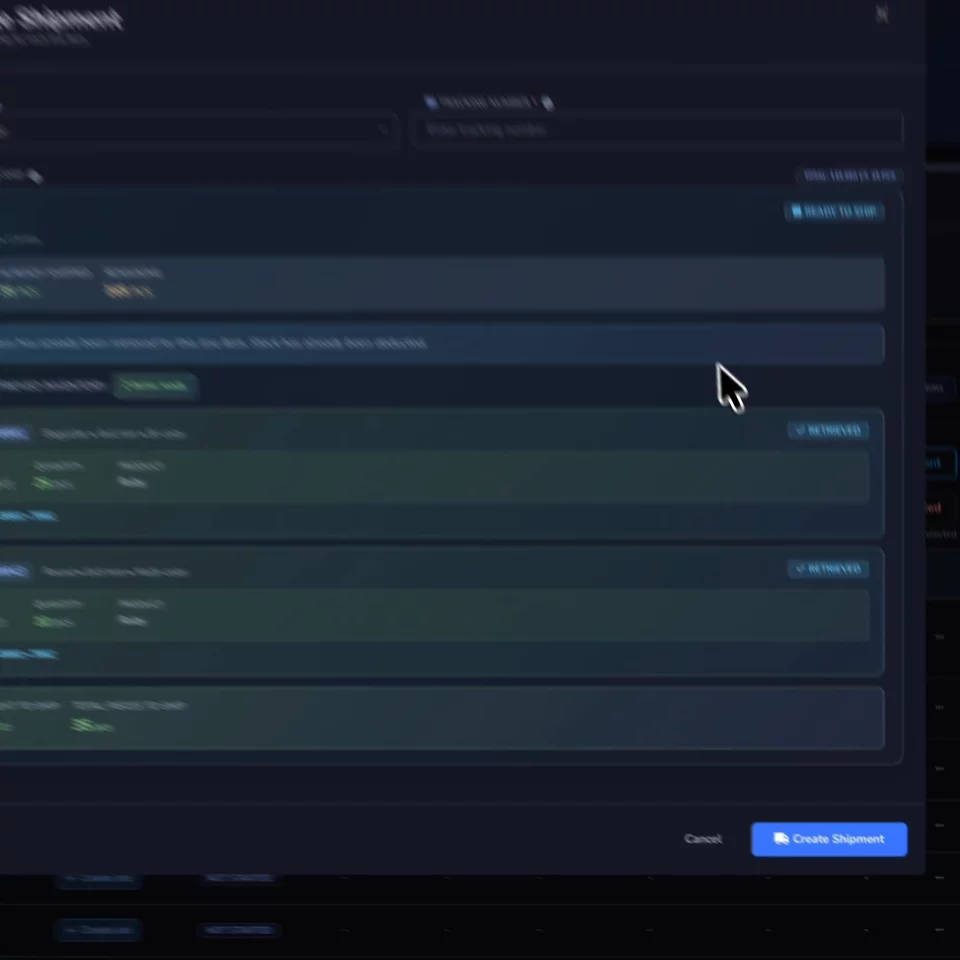
Create shipments, attach tracking to orders, and keep teams aligned on packed, shipped, delivered, returned, and partially shipped auto parts orders.

  • Track fulfillment status without moving between disconnected tools.
  • Support partial shipments for large OEM or aftermarket orders.
  • Give sales and operations the same delivery context.

Connected systems

Keep ecommerce, accounting, and operations working from the same auto parts data.

Auto parts businesses often sell through distributors, marketplaces, direct OEM relationships, storefronts, and export channels. Loupe Factory keeps demand, inventory, billing, and fulfillment connected across those routes.

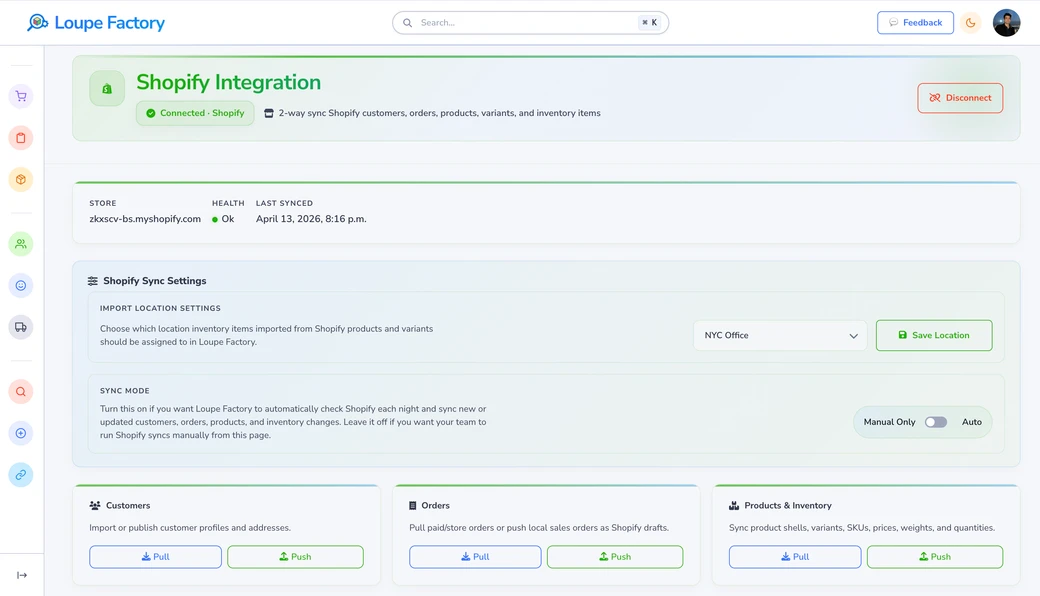
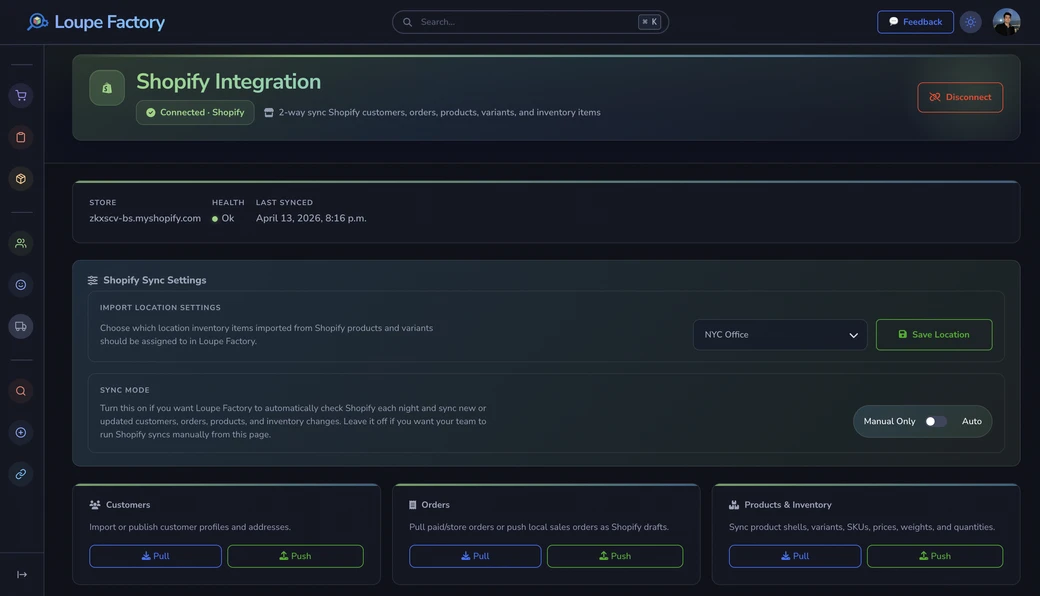
Loupe Factory Shopify integration showing customer, order, product, and inventory sync controls. Loupe Factory Shopify integration showing customer, order, product, and inventory sync controls in dark mode.
Shopify

Turn online auto parts demand into production-ready work.

Sync customers, orders, products, variants, and inventory items so online orders can enter the same operational system used by sales, production, and warehouse teams.

  • Keep product and variant details aligned between storefront and operations.
  • Reduce re-entry for online wholesale, retail, or export demand.
  • Let Shopify stay customer-facing while Loupe Factory runs the internal workflow.
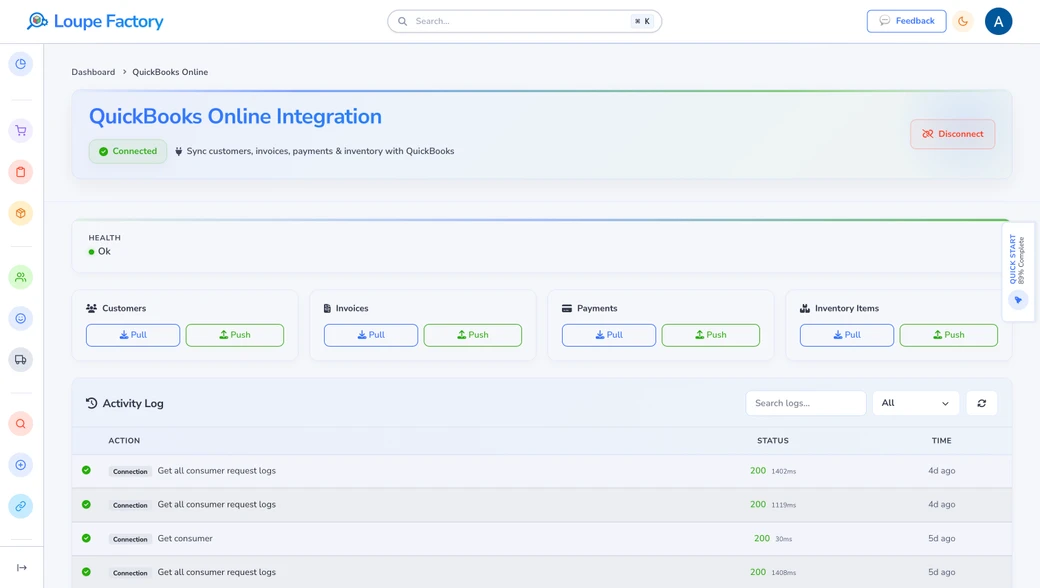
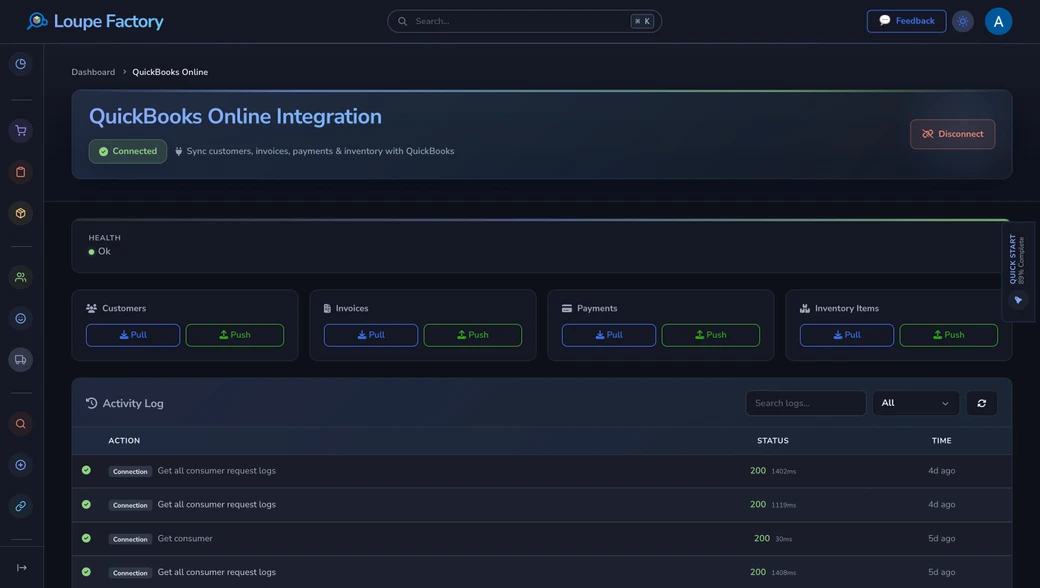
Loupe Factory QuickBooks Online integration showing customer, invoice, payment, and inventory sync. Loupe Factory QuickBooks Online integration showing customer, invoice, payment, and inventory sync in dark mode.
QuickBooks Online

Keep finance aligned with orders, invoices, payments, and stock.

Sync customers, invoices, payments, and inventory items with QuickBooks Online so accounting does not have to rebuild what the auto parts operation already recorded. Product images on invoice rows give buyers and finance a clearer reference for multi-part or kit orders.

  • Reduce duplicate entry between invoicing and bookkeeping.
  • Keep invoice history connected to order and shipment context.
  • Support cleaner month-end review when production, delivery, and finance agree.

Need the broader picture? Explore the full Integrations page.

FAQ

Questions auto parts teams ask before they switch.

These are the operational fit questions that usually matter before an auto parts manufacturer or wholesaler replaces spreadsheets and disconnected tools.

Yes. Loupe Factory can support standard part numbers, variants, custom order notes, BOMs, materials, production stages, finished inventory, shipments, and invoices in one workflow. That makes it useful for repeat OEM and aftermarket SKUs as well as custom or racing-engine job work.

Yes. You can structure inventory around auto parts materials and supplies, in-process work, sub-assemblies, finished goods, locations, and transfers. That helps purchasing, warehouse, production, and sales work from the same availability picture.

Yes. QR codes and Code 128 barcode tags help teams identify inventory items, bins, kits, and finished parts quickly. They are especially useful when parts move between receiving, production, warehouse storage, packing, and shipping.

Yes. Loupe Factory supports role-based access so each team can see and act on the records they need while sensitive pricing, customer, finance, and admin areas stay controlled.

Yes. Loupe Factory includes shipment tracking workflows, Shopify sync for customers, orders, products, variants, and inventory, and QuickBooks Online sync for customers, invoices, payments, and inventory items. Invoices can also include order line item images, helping buyers confirm the exact part or kit being billed while commerce, dispatch, and finance stay closer to the factory record.

Final CTA

If your auto parts business has outgrown spreadsheets, shop-floor notebooks, and disconnected accounting or shipping tools, Loupe Factory gives every team the same live operating picture.

Bring sales, production, multi-location inventory, QR and barcode tracking, shipping integrations, invoices, Shopify, QuickBooks Online, and AI-assisted workflows into one system built for auto parts manufacturers and wholesalers.

Auto parts manufacturing workflows OEM and aftermarket order control Multi-location inventory and tags Shipping, Shopify, and QuickBooks Online

Supercharge your business

With Artificial Intelligence ✨

Get started with Loupe Factory

Cookies & Privacy

We use non-essential cookies (like analytics) to improve your experience. In your region, consent is required. You can change your choice anytime in Privacy Choices. Learn more.

You can update your cookie choices. Manage cookies