
People Management

Manage the people behind every order.

Keep customer accounts, supplier relationships, employee profiles, invitations, and access roles connected to the work they affect.

Loupe Factory helps B2B wholesalers and manufacturers move beyond a static contact list. People records become useful because they connect to sales orders, purchase orders, production ownership, fulfillment, finance, notes, and team access.

Customer and supplier profiles Staff, departments, and locations Invitations and access roles

Relationship context
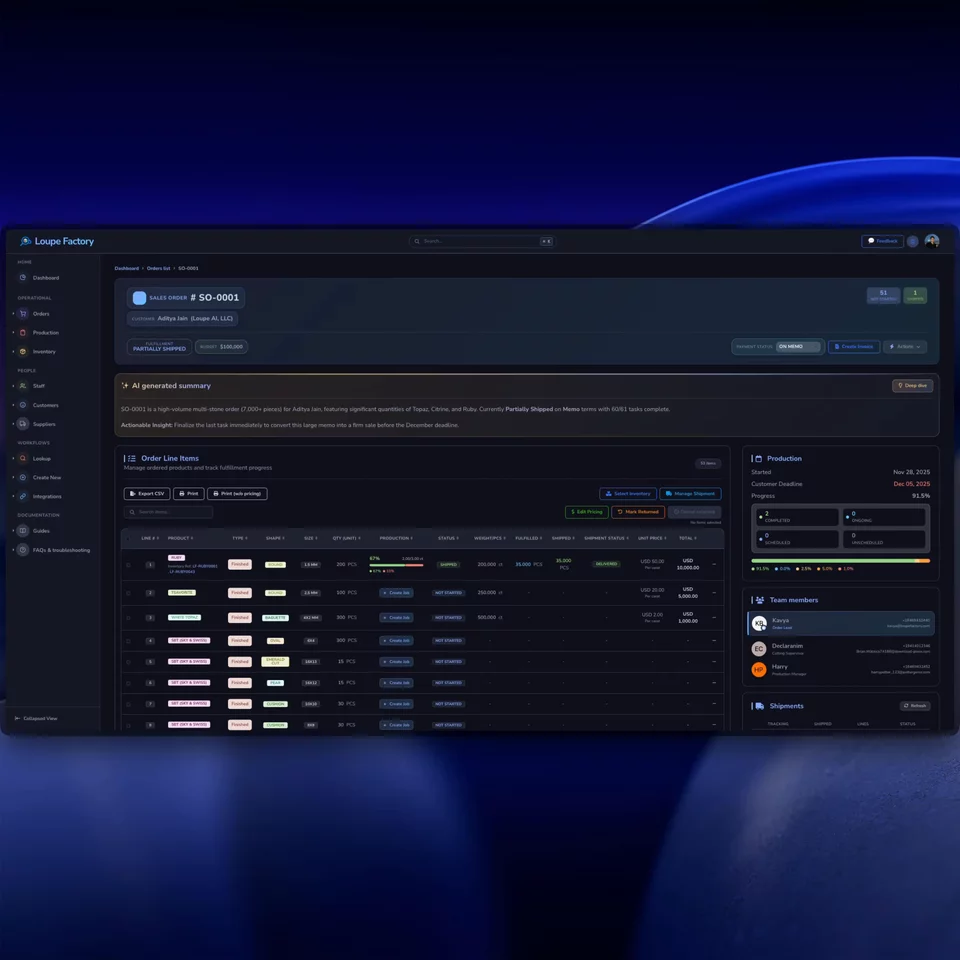
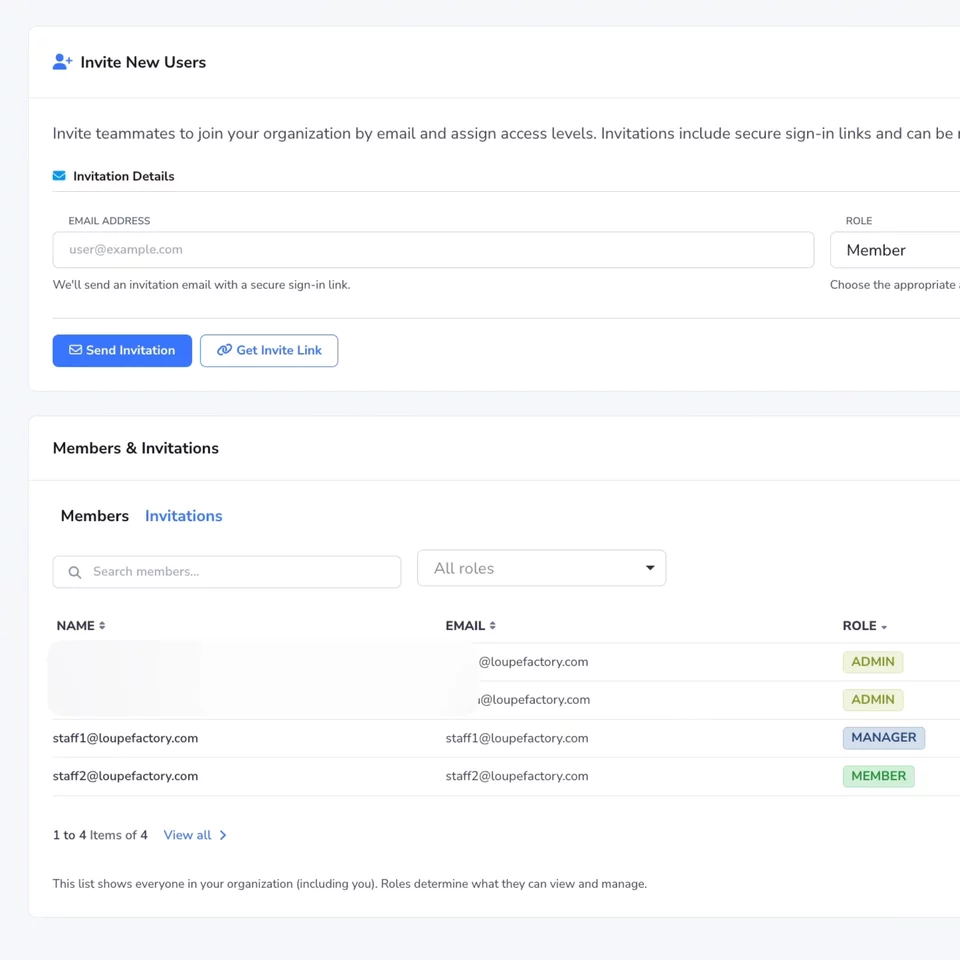
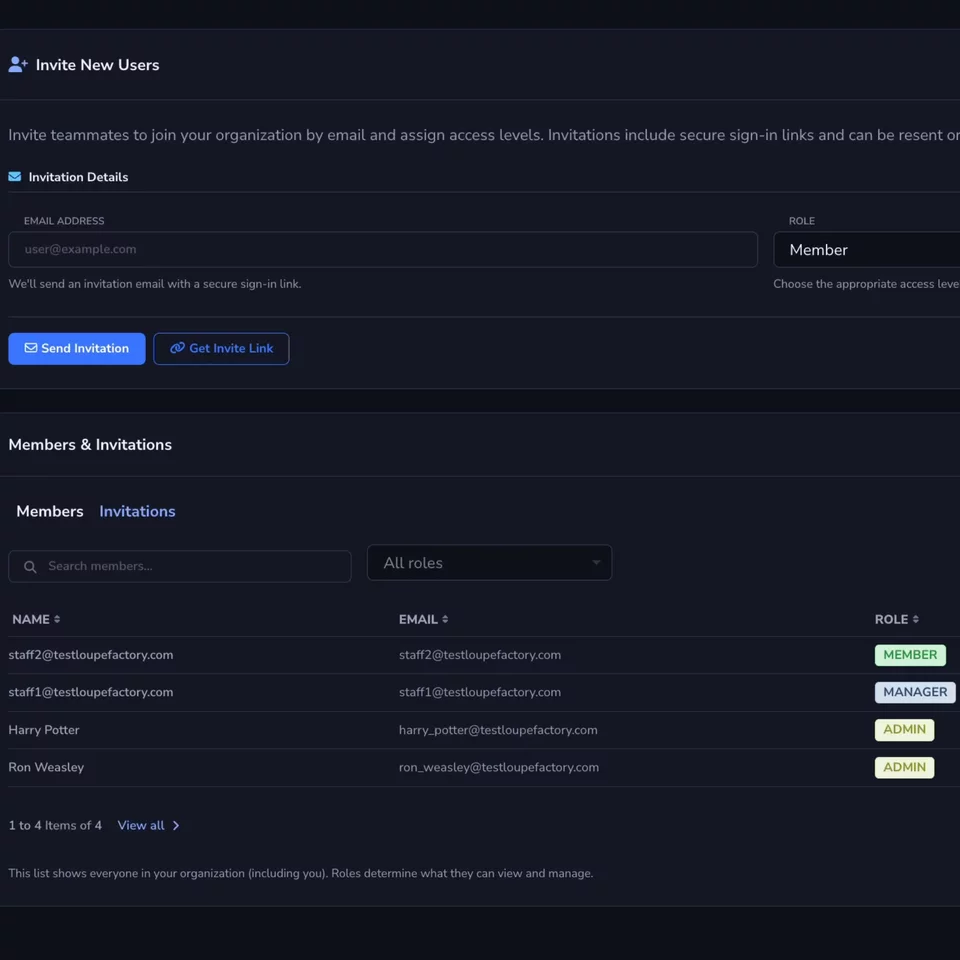
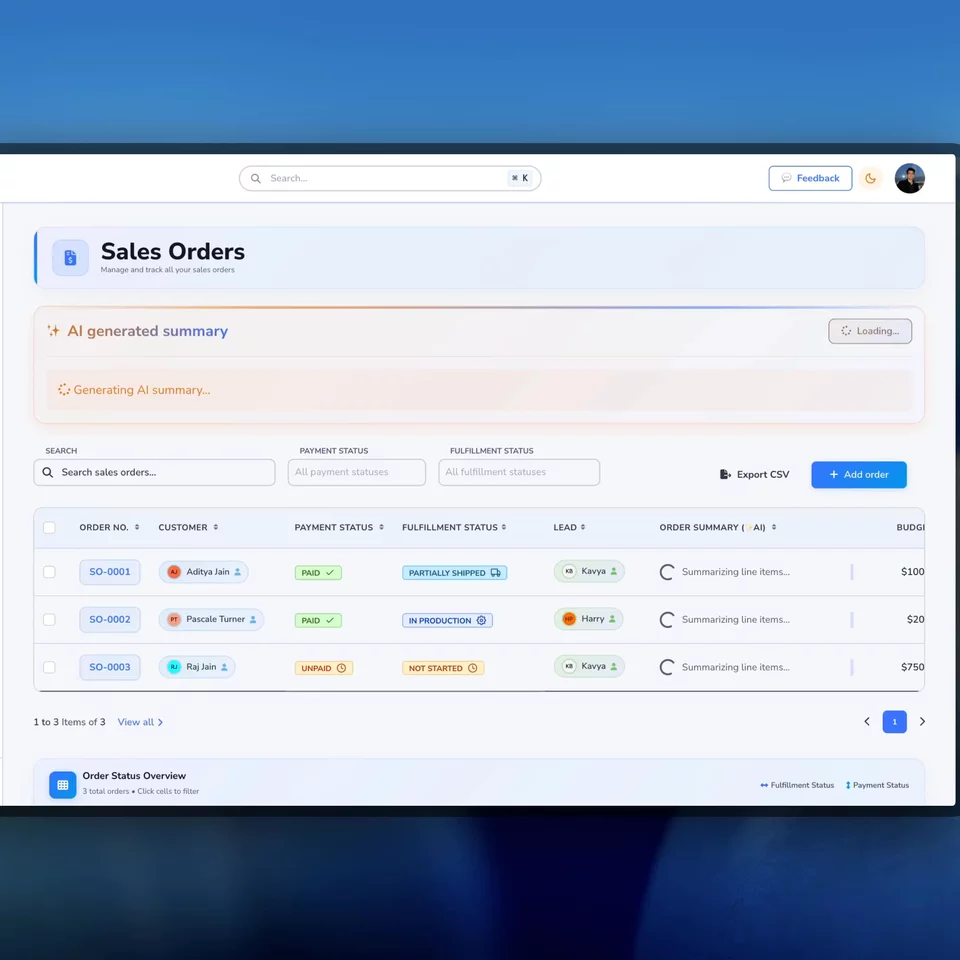
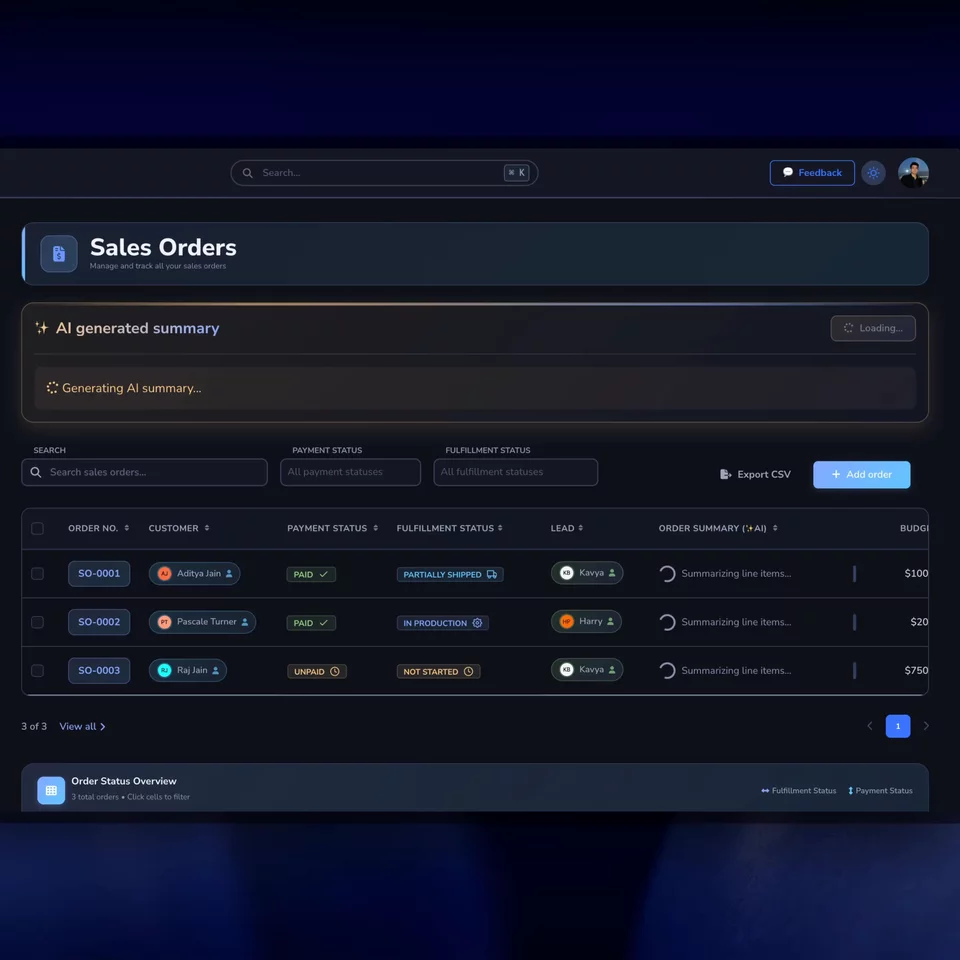
Loupe Factory people management screen in light mode. Loupe Factory people management screen in dark mode.
Customers Track company, contact, country, notes, sales, and order history.
Suppliers Keep purchasing context, notes, and supplier history visible.
Staff Connect employees to departments, designations, locations, and work.

How it works

People records become useful when they explain the work.

In wholesale and manufacturing, a profile should answer practical questions: who buys from us, who supplies us, who owns the work, who can access the system, and what happened last time.

01

Build a single operating directory

Store customer accounts, supplier records, and employee profiles with the details teams actually need: company information, email, phone, country, website, notes, avatars, departments, designations, and locations.

Customers | Suppliers | Employees | Company details

The team knows where to look before selling, buying, producing, or shipping.
02

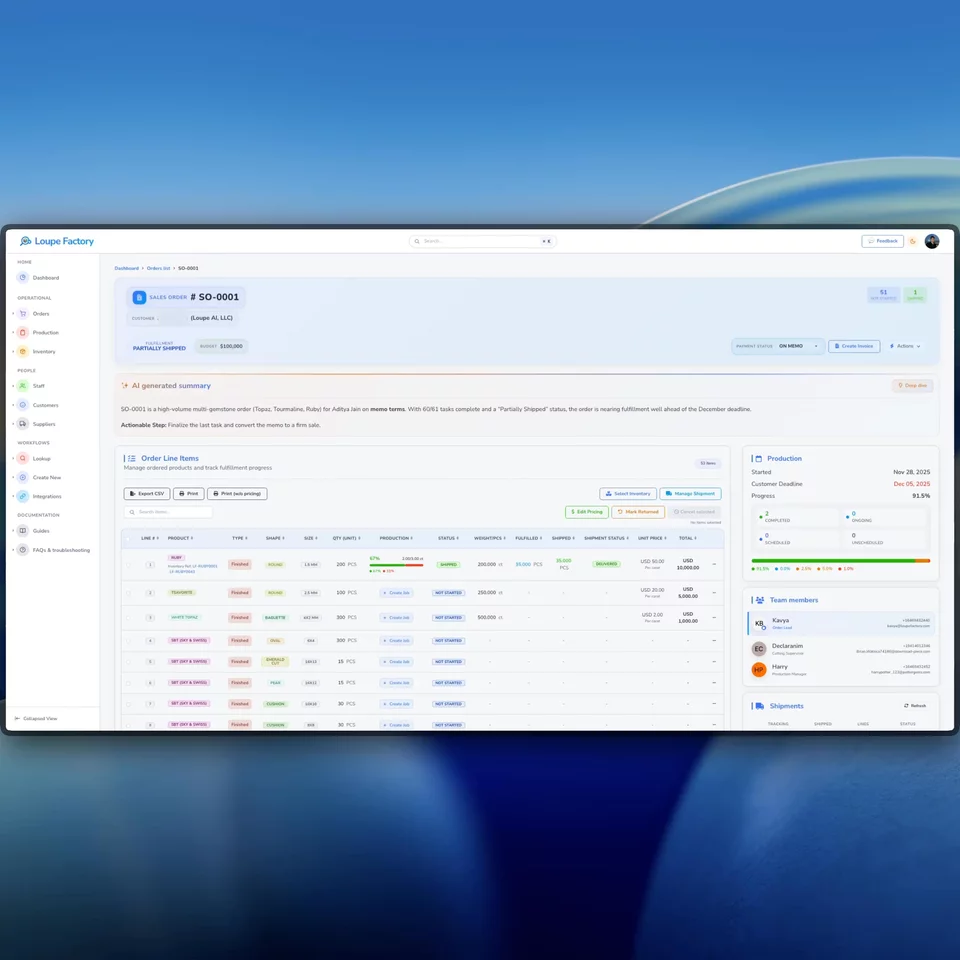
Connect profiles to orders and follow-up

See customer order history, supplier purchase context, notes, totals, recent activity, and completion context near the profiles your team uses to make decisions.

Sales orders | Purchase orders | Notes | History

The next person can act with context instead of asking around.

03

Invite the right users and assign roles

Invite teammates by email, assign their role, review pending invitations, update member roles, and keep access aligned with each person's responsibility.

Invitations | Members | Admin | Manager | Member

People management covers both relationship records and system access.

Related workflows

See how people context shows up in daily work.

These videos focus on the moments where people data matters most: customer context around orders, controlled access for team members, and fast summaries for customer and supplier review.

Customer order context

Customer context

Understand the account behind the order before someone follows up.

Customer records are more useful when they connect to order history, fulfillment status, invoice context, and notes. That helps sales, warehouse, and finance teams answer customer questions from the same operating record.

  • Connect customer profiles to sales orders and invoices.
  • Keep company and contact details close to fulfillment work.
  • Reduce repeated internal questions before customer follow-up.
Team access and roles

Access control

Invite teammates and keep access aligned with responsibility.

Loupe Factory separates operational staff profiles from application membership. Admins can invite users, assign roles, review members and pending invitations, and avoid risky changes such as removing the last admin.

  • Invite teammates by email and assign a role during setup.
  • Review active members and pending invitations in settings.
  • Use role-based access patterns for admin, manager, and member responsibilities.
Customer and supplier summaries

Review faster

Use summaries to spot who needs attention this week.

Customer and supplier lists can use AI summaries to turn counts, activity, inactive records, and relationship context into a short management view. Your team still decides what to do next.

  • Summarize new, active, and inactive customer records.
  • Review supplier risk, cost, quality, and follow-up prompts.
  • Keep AI as a review aid, not the final decision maker.

Built for operating teams

A people directory built for sales, purchasing, production, and finance.

Global B2B teams need more than names and emails. They need to know who the customer is, what the supplier provides, where an employee works, what role a user has, and what happened in the relationship before today.

  • Customer and supplier profiles

    Track company name, contact details, address, country, website, notes, profile image, total sales or purchases, and relationship dates.

  • Relationship context tied to orders

    Use customer records with sales orders and supplier records with purchase orders so commercial history stays connected to the account.

  • Employee profiles for operational ownership

    Manage staff names, nicknames, email, phone, department, designation, location, avatar, and active status so work can be assigned to the right person.

  • Team invitations and member management

    Invite teammates by email, assign a role, review active members, filter by role, resend invitations, and revoke pending or unnecessary access.

  • Role-aware access for sensitive work

    Use role-based access patterns so users see the areas and actions appropriate to their responsibilities, with safeguards around self-role changes and admin continuity.

  • Shared notes for follow-up

    Append customer and supplier notes so relationship decisions, risks, preferences, and next steps are not trapped in private messages.

FAQ

Questions teams ask about people management.

The goal is not another address book. It is relationship and access context that stays connected to operational work.

Loupe Factory is focused on operational relationship context rather than a standalone sales pipeline. It helps teams manage customer accounts, supplier records, staff profiles, notes, orders, and access roles in the same system used for daily work.

Yes. Loupe Factory's relationship model supports customer and supplier flags, which helps teams represent businesses that buy from you, sell to you, or do both.

They are related but not the same thing. Employee profiles describe operational staff, such as department, designation, location, and active status. Login users and organization members control who can access Loupe Factory and what role they have.

Yes. Loupe Factory supports role-based access patterns for organization members. Admins can invite users, assign roles such as Admin, Manager, or Member, and update membership roles while preserving important safeguards.

No. AI summaries can help review customer and supplier lists by turning activity and relationship context into a short overview. Your team remains responsible for the follow-up, commercial decision, and relationship judgment.

Relationship context

Keep people, roles, and relationship history in the same operating system.

Use Loupe Factory to manage customers, suppliers, employees, notes, invitations, access roles, and workflow history without splitting operational context across separate files.

Customer and supplier records Employee profiles and notes Invitations and role-aware access

Supercharge your business

With Artificial Intelligence ✨

Get started with Loupe Factory

Cookies & Privacy

We use non-essential cookies (like analytics) to improve your experience. In your region, consent is required. You can change your choice anytime in Privacy Choices. Learn more.

You can update your cookie choices. Manage cookies